Built an Agent? Let Your Team Use It.
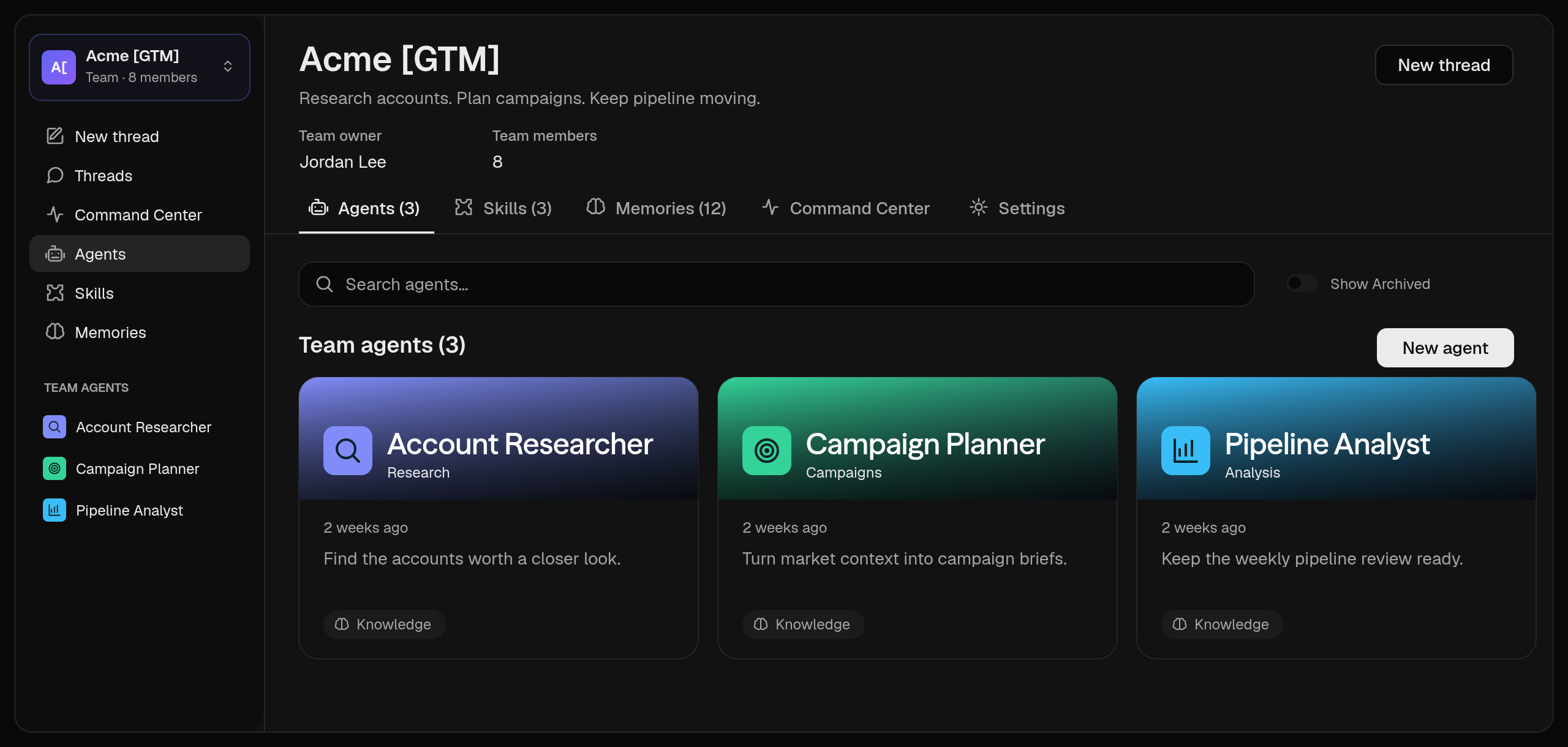
Workspaces gives your team a home for the agents, threads, skills, and memories it shares.

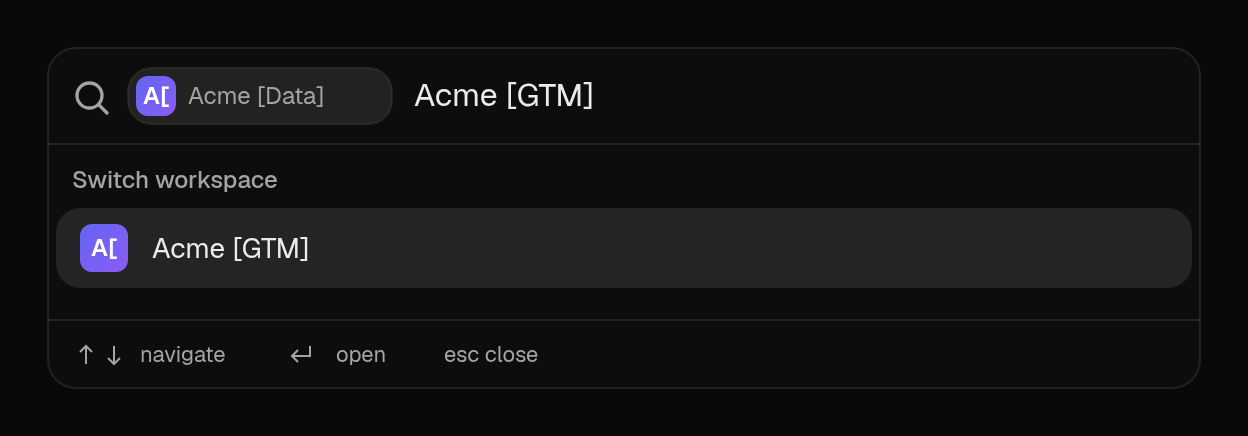
A Workspace is where your team works with shared agents. It holds the agents, threads, skills, memories, activity, and search that belong together. When you move into a Workspace, you are in the shared context. Your Personal workspace stays yours.
You no longer have to pass around an account, keep forwarding outputs, or watch each person make their own copy of the same agent. Your team can go to one place, use the work, and come back to it later without asking where everything is.
Let people use it. Keep it maintainable.
The good part is that sharing the work does not mean handing over the whole setup. Roles make the split clear:
- Members run the Workspace’s agents and use its shared skills.
- Editors maintain the agents, skills, and shared context.
- Owners manage membership and Workspace settings.
The people who need an agent can use it. The people responsible for keeping it useful can change it.
If you already used Teams, this should feel familiar. Workspaces is the new name for the place. Your sharing roles and existing setup stay as they are. The improvement is that the rest of the product now follows the Workspace you are working in.
Invite people and choose their roles
Decide access before you share
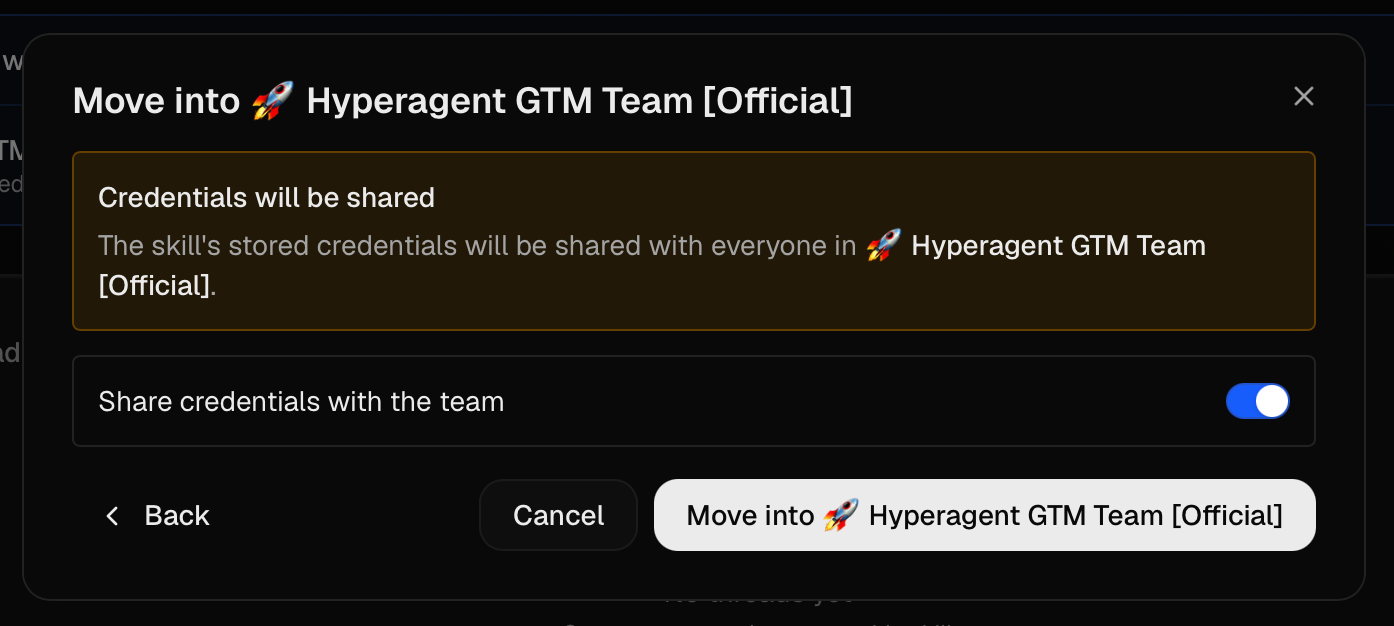
For agents that use integrations and API Keys: sharing the agent does not decide whose account runs the action.
You can decide whether the agent connects to a 3rd party API or MCP server as the agent owner, or ask each person to connect their own. Make that choice deliberately. It is separate from who can run the agent, and it is worth getting right before the first invite goes out.
Choose how shared skills use credentials
Keep personal work personal
A Workspace is for the work you want the team to use. It is not a vacuum cleaner for everything in your account. Personal threads and memories stay private unless you choose to share them.
The same goes for what agents learn. A useful observation can be promoted into the Workspace memory by an Owner or Editor. Until then, it stays where it belongs. That gives the team shared context when it is useful, without turning every experiment or half-formed note into a rule everyone inherits.
See how agent knowledge access works
Start with the agent people already ask about
You do not need to move your whole account on day one. Pick the agent your colleagues already ask you to run. Put it in a Workspace. Invite the people who need it. Give them Member access.
That is the test. If they can use the agent without asking you to operate it for them, the Workspace is doing its job. If someone needs to maintain it, make them an Editor. If someone owns the setup, make them an Owner. Start deliberately narrow. You can change roles later.
The full release also includes Hyperagent for iOS, GPT-6 Astra, Claude Fable 5.1, Saved Website Logins, and five new integrations. See everything that shipped.