Your first thread
Do real work in five minutes with nothing configured.
A thread turns a briefing into finished work
Describe what you need the way you'd brief a capable new teammate, and the agent researches, builds, and delivers. The specificity of what goes in sets the quality of what comes out.
Do the work
Describe the job
On the home page, type what you need into the composer. Bring a real task, and give it what a teammate would need: the goal, the audience, and any files, attached with +.
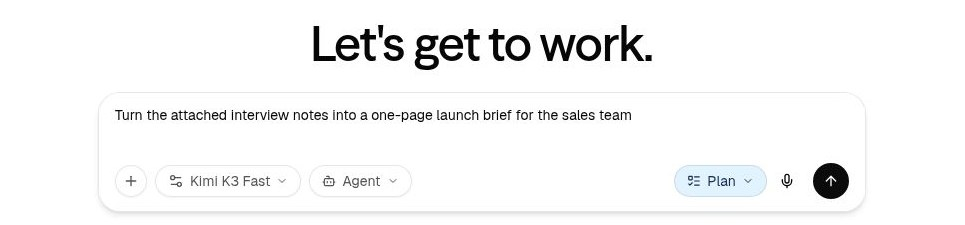
Watch it work, or don't
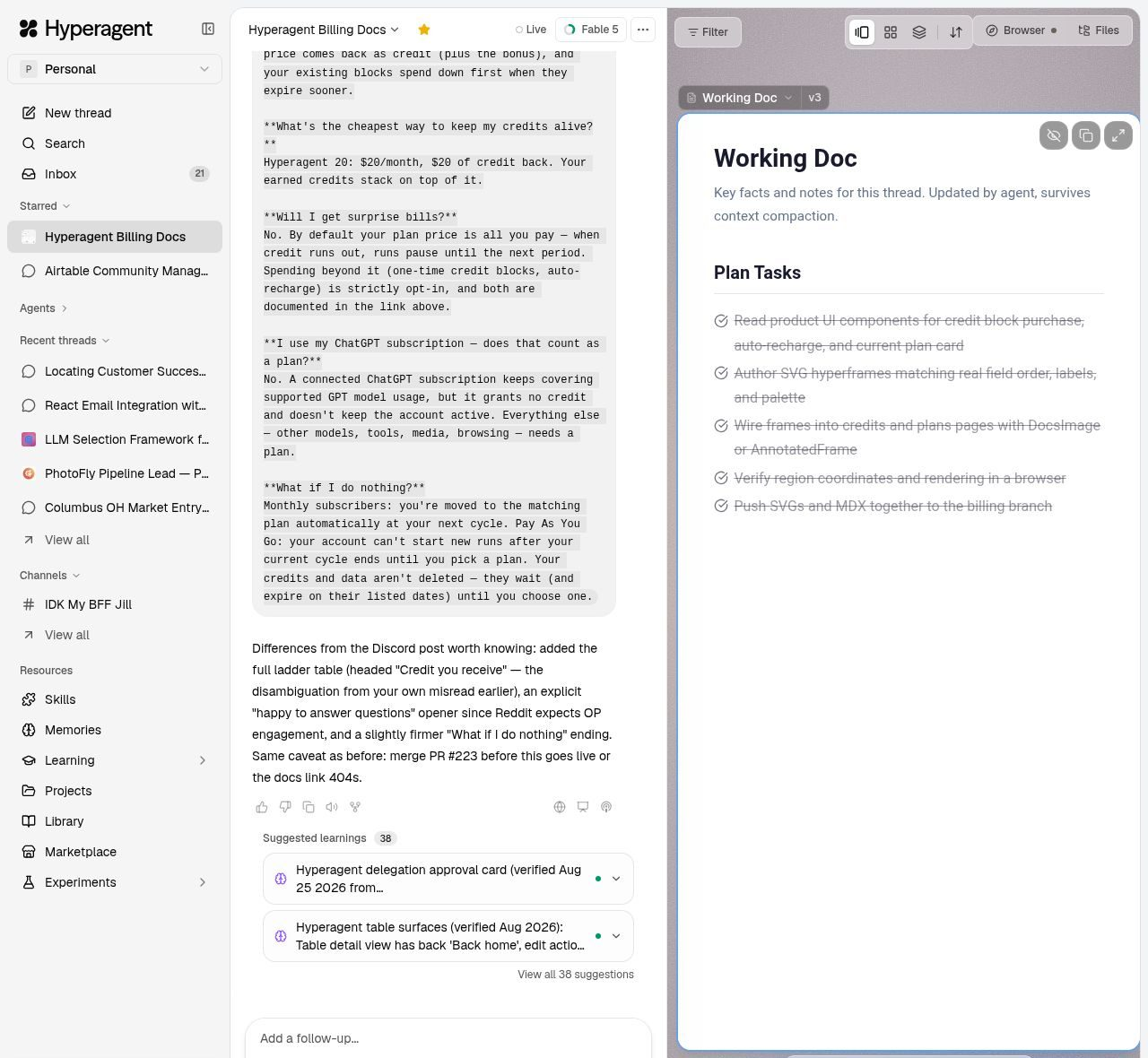
Send it, and the agent gets to work: researching, browsing, running code, writing. The transcript shows every step as it happens, and the Live pill in the header means it's still going. The thread runs on the server, so closing your laptop changes nothing.
Steer with specifics
When the draft lands, correct it like you would a person: "shorter, lead with the number, drop the third section." Point at what's wrong and say what right looks like. Each correction sharpens everything after it.
Open the finished work
Outputs arrive as cards in the conversation. Click one and it fills the canvas beside the chat, ready to read, edit, or share. Everything also lands in your Library, findable long after you've forgotten which thread made it.
Why threads work this way
- Each thread starts fresh. No stale context from last week steering this week's work. What the agent should carry forward is explicit: memories, skills, and files you attach. Threads →
- Everything in the thread stays available. Every message, file, and result builds on the last, so a thread gets smarter about its own job as it goes.
- When the work changes, start a new thread. It costs nothing, because the finished work lives in your Library and the knowledge lives with the agent.
FAQs
Next: the job was worth doing once, so make it repeatable. Your first agent →