New models, cleaner threads, and consolidated billing for teams
Gemini 3.6 Flash, Inkling, thread status favicons, Cmd+K search, and shared team billing.
22 July 2026
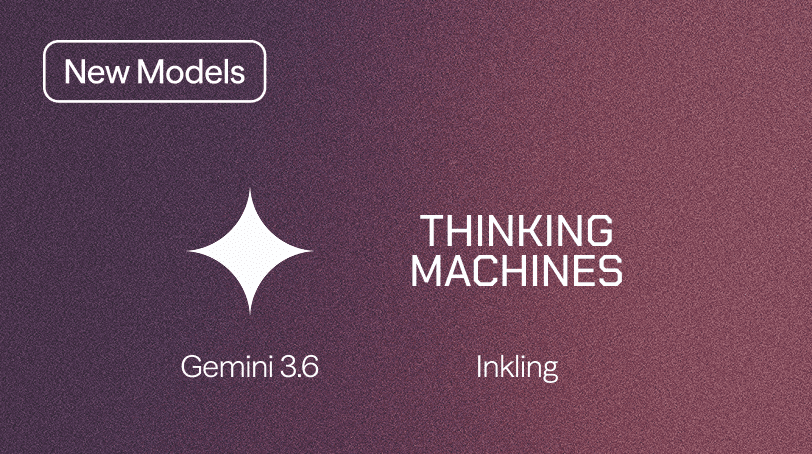
New Models Available: Gemini 3.6 Flash & Inkling
Gemini 3.6 Flash and Inkling are now available across all Hyperagent threads:
- Gemini 3.6 Flash: Fast, high-volume structured execution, monitoring, triage, research loops, coding, and a 1M-token context window.
- Inkling by Thinking Machines: Multimodal knowledge work drawing across text, images, audio, and video with direct control over reasoning depth.
Model Picker in Thread Headers
You can now switch AI models directly from the header of any active thread, or configure a default model for your agent. Try different models on the task in front of you to see which one performs best.
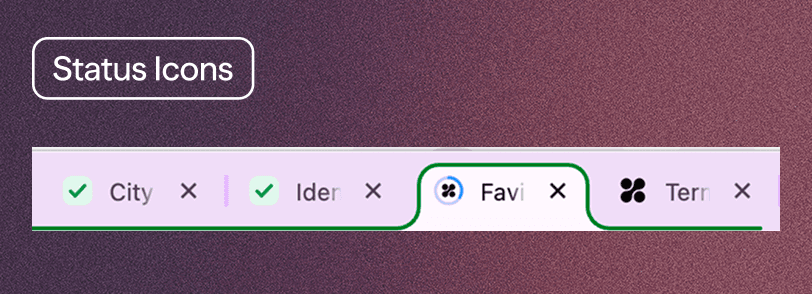
Thread Status Indicators in Browser Tabs
Every open thread now reports its live execution state directly through its browser favicon, letting you monitor agent progress across open tabs:
- Progress ring: fills in the agent's colors while a turn is active
- Green checkmark: indicates a finished turn ready for review
- Amber question mark: flags an agent waiting on your response
- Red exclamation mark: alerts you when an action requires explicit approval
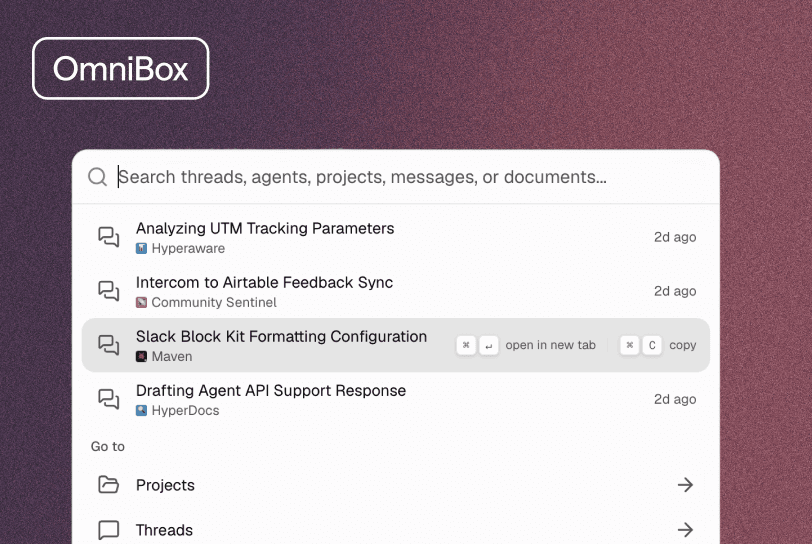
Full-App Search via Cmd + K
Command search received a major upgrade. Pressing Cmd + K now performs full-text search across thread titles, chat message content, document bodies, and tables. You can also start a thread with any agent, open a project, or jump directly to Library, Learnings, Command Center, or Integrations.
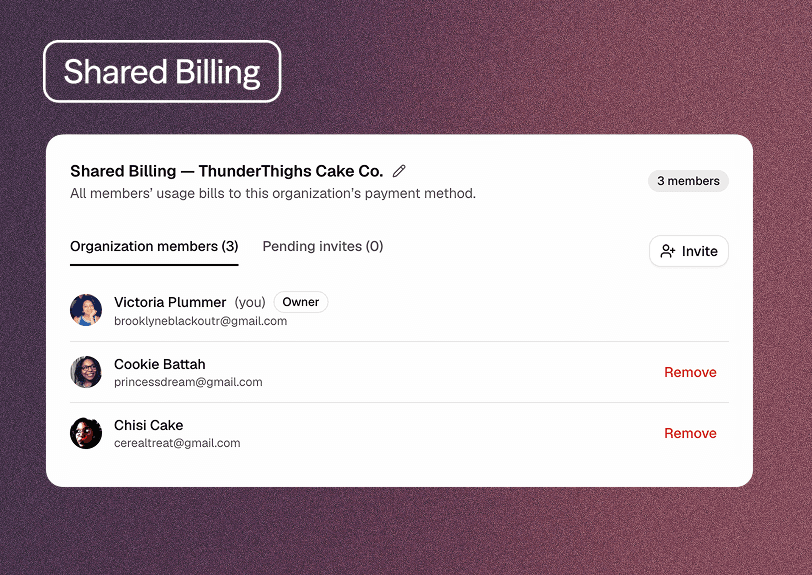
Shared Organization Billing
Teams can now consolidate all Hyperagent usage onto a single organization bill. Instead of managing individual credit cards across team members, Organization Owners can set up a unified plan in Settings → Billing to manage seats, member usage, and spend in one place.
Nested Subagent Threads & Live Inspection
Delegated child threads now nest neatly under their parent conversation on Home and in activity feeds. Parent agents can inspect subagent output while a child thread is actively running.
Additional Improvements
Agent Workflows & Control
- Nested Child Threads: Subagent conversations nest under the main thread rather than cluttering your inbox.
- Live Subagent Inspection: Agents can inspect intermediate progress and output while a subagent is running.
Live Mode & Scheduled Monitoring
- Clear Error Alerts: Scheduled checks display visible error alerts in the thread header if a run encounters an issue.
- Automatic Pausing: Background checks on live threads automatically pause after repeated errors to prevent runaway runs.
- Advanced Scheduling for Live Threads: Jump directly from Live mode to full schedule settings when you need custom timing.
Team Workspaces & Knowledge
- Team Agent Sharing: Share agents across your team so team members can run them autonomously.
- Team Memories: Memories stay securely attached to your team agents when sharing them across teams.
- Simpler Knowledge Setup: Clearer steps to discover, link, and pin skills and memories on agents.
- Cleaner Memory Suggestions: Duplicate learning suggestions are automatically filtered out.
Search & Publishing
- Search Inside Documents: Cmd + K now searches the text inside your documents, not just document titles.
- Smoother Message Streaming: Chat messages stream faster and more reliably across all threads.
- Social Previews for Web Pages: Shared links to published web pages automatically display rich title and preview cards.
Mobile Improvements
- Smart Push Suppression: Notifications are paused for the thread you are currently looking at on your phone.
- Notification Diagnostics: Check whether push notifications are working properly on your device in settings.
Fixes & Reliability
- Faster Large Workflows: Improved performance when viewing complex threads.
- Auto-Recovery: Chat automatically recovers if your browser connection drops or an extension disconnects.
- Better Browser Tool Errors: Friendly error messages if a browser automation step encounters an issue.
- File Download Alerts: Clear alert toasts appear if a file download fails.