Turn a thread into an agent
Save what worked in a thread as an agent you can bring new jobs to.
Start the next job with less explaining
You’ve worked with Hyperagent to get a result you like. Turn that thread into an agent with a clear role and standards, so the next job starts with the approach you already worked out.
Start from a result you want again
Choose a thread where you have reviewed the output and corrected anything that matters. You do not need a perfect conversation. You need a clear example of the work you want the agent to do again.
For example, you asked for a customer-call brief, added missing sources, and asked for risks and questions at the top. Now you want a call-preparation agent that can use the same approach for other customers.
Create the agent from your thread
Ask for an agent based on the work
In the same thread, explain which part of the job you want to repeat. Ask for a reusable role and instructions, with temporary details left out.
Turn this work into an agentPrompt
Turn the work we refined in this thread into an agent I can use for similar jobs. Give it a clear role and preserve the standards and corrections that made the result useful. Leave customer-specific facts, temporary deadlines, and one-off instructions out of its System Prompt. Identify any reusable methods to save as skills and any sources or connections the agent will need. Show me the agent draft and anything else I need to review or save.
Paste it into the same conversation to continue working with your agent.
Select the Save as Agent card in the reply to open the draft.
Review the role and instructions
Give it a name that makes the job easy to recognize. Check that its description and System Prompt explain the ongoing responsibility, what good work looks like, and when it should ask you a question.
For the call-preparation example, keep “lead with risks and useful questions.” Leave the previous customer’s pricing and renewal date in the original thread.
Check what it needs to do the job
Review its configuration, including tools, connected apps, and knowledge access. Ask the agent to save reusable methods as skills and confirm which resources are available to it. Review any separate skill drafts that still need saving.
Create it and try a fresh job
Choose Create Agent, then start a new thread with the saved agent selected. Supply a different customer, date, or source file. Check that it follows the standards without reusing the original job’s facts.
If it needs a correction, update the reusable instructions or skill where it belongs. See Make your agent’s good work repeatable for how to organize and test that setup.
Keep the method, bring new details
Creating an agent does not mean every future thread contains the original conversation or all its files. Keep recurring guidance available to the agent and give it the facts for each new job.
Role and standards Keep ongoing directions in the System Prompt, such as preparing sourced call briefs and flagging missing information.
Reusable method Save the research steps, output structure, and checks in a skill. See Teach your agent how you work.
This job’s details Provide the customer, meeting date, and relevant records with the new request. Make recurring reference material available through the agent’s knowledge settings.
Already working with a saved agent?
Ask it to improve its existing instructions and skills instead of creating another agent for the same role. Be explicit about which agent you want updated, and review any proposed changes. Follow Make your agent’s good work repeatable to refine the setup.
Let it run on a schedule
Once the agent handles a fresh job well, add a schedule if the work should repeat automatically. For a call-preparation agent, that might be preparing briefs each weekday morning from the calendar and sources it can access.
Check the schedule’s request, timing, and delivery destination. Creating an agent alone does not schedule its work.
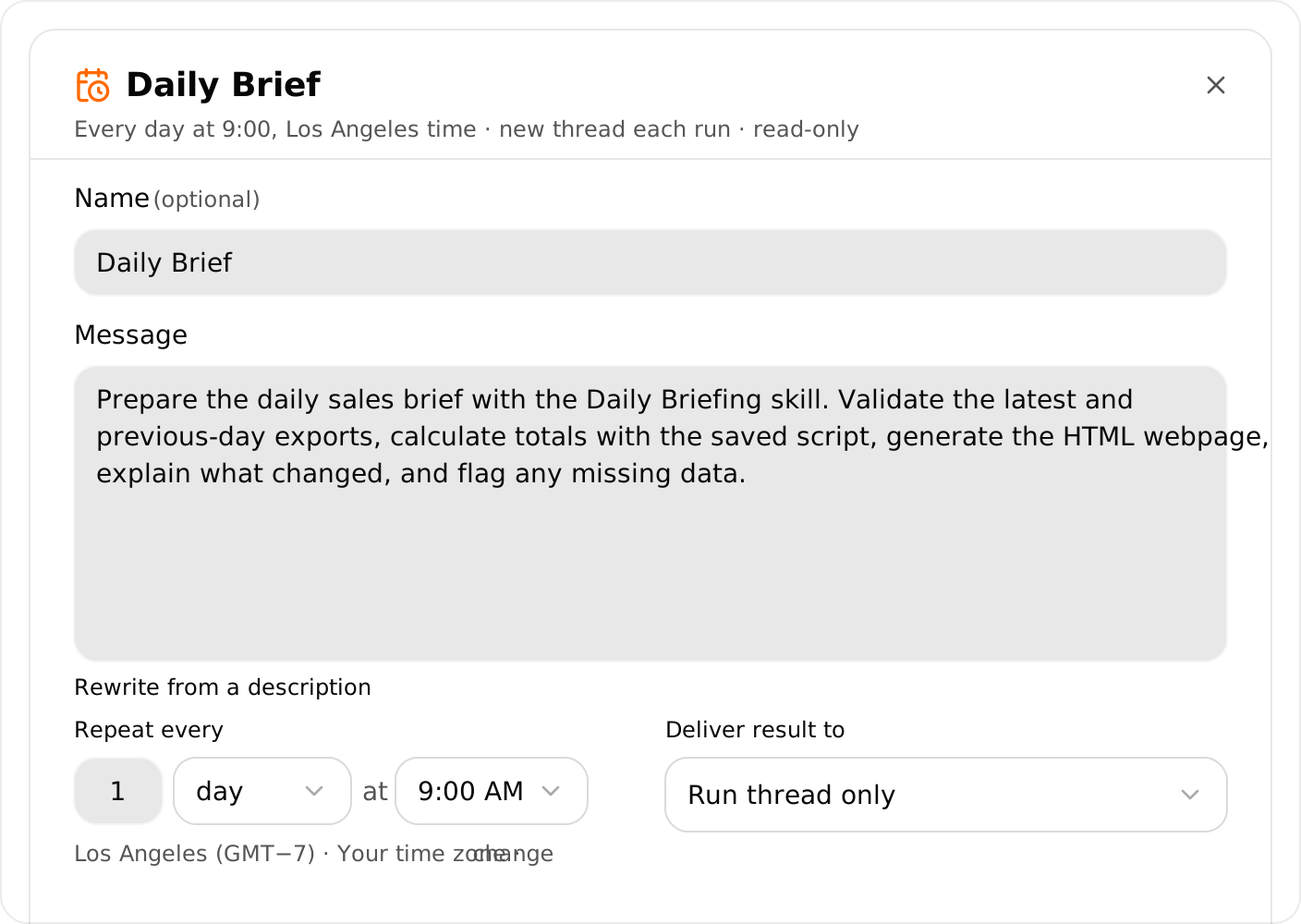
See Create and configure a schedule to set the request and timing.