Teach your agent how you work
Turn the steps and checks you work through with your agent into skills your agent can use again.
Start the next job with less explaining
Teach your agent the standards, steps, and checks behind work you’re happy with. Your agent can use those instructions on new jobs, so you can focus your feedback on the result instead of repeating how to get there.
Start with an existing agent and a job you want its help with. You can open a fresh thread or continue work you’ve already started. If you need to create an agent first, follow Turn a thread into an agent.
What you’ll learn
- Teach through work: Give your agent sources and feedback until the result meets your needs.
- Save the process as a skill: Ask Hyperagent to capture the steps and checks in reusable instructions.
- Put the skill to work: Give your agent access and explain when to use it.
- Try the same job with new details: Check that your agent follows the skill without the same reminders.
Teach your agent to handle work your way
Open a thread where the work is going well
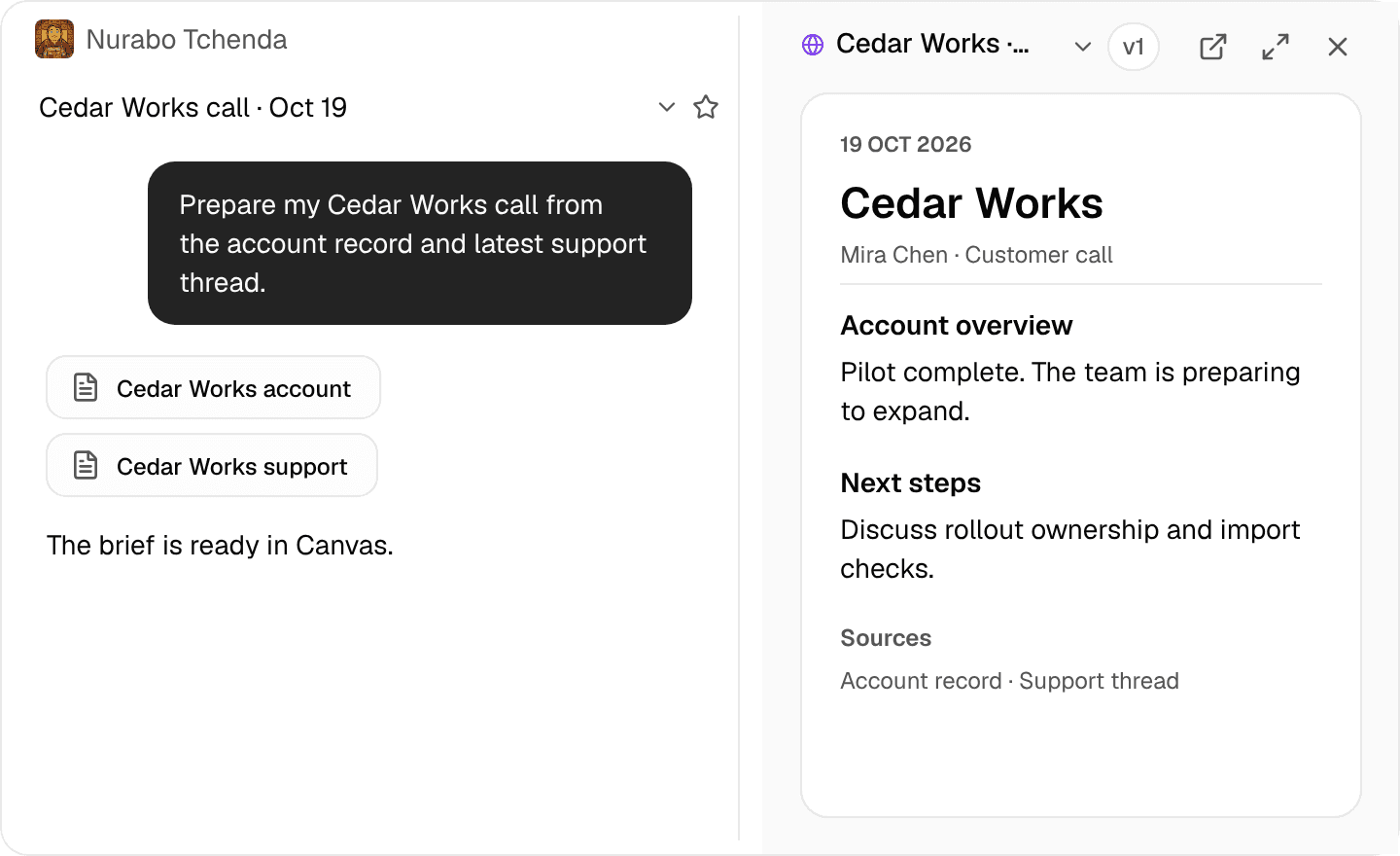
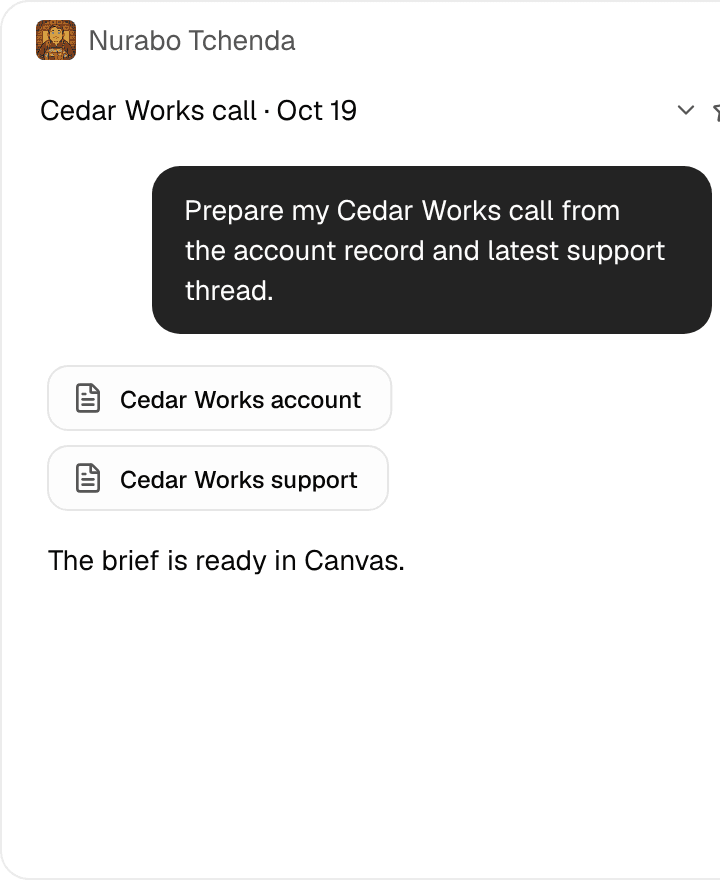
Open a thread with your agent where you’ve worked through a job and reviewed the result. The request, sources, and corrections in that thread give Hyperagent the material to turn into a skill.
Just starting out?
If you haven’t worked through a job yet, open a fresh thread with your agent. Give your agent a real request and the relevant sources, then review and improve the result together.
Give your agent feedback it can use again
- Explain what to change and why. Tell your agent what would make the result better for the way you’ll use it.
- Point out what’s missing. Supply the facts or sources your agent needs to fill the gaps.
- Show how you check the work. Explain what you verify before trusting or sharing the result.
- Share an example of the format you want. Show the structure, level of detail, or tone you’re looking for.
Keep reviewing and improving the work in the same thread until you have a result you trust. Those corrections will help your agent draft the skill in the next step.
For a call brief, feedback on the result might look like this:
Example feedback on a call briefPrompt
Put risks and questions before the background so I can prepare quickly. Link the claims to their sources, and flag anything you could not verify. Show me the revised brief before we save these instructions for future calls.
Paste it into the same conversation to continue working with your agent.
Ask your agent to turn the process into a skill
Once you’re happy with the work, ask Hyperagent to draft reusable instructions from the process and corrections in this thread. You do not need to write the skill yourself.
Turn this work into a skillPrompt
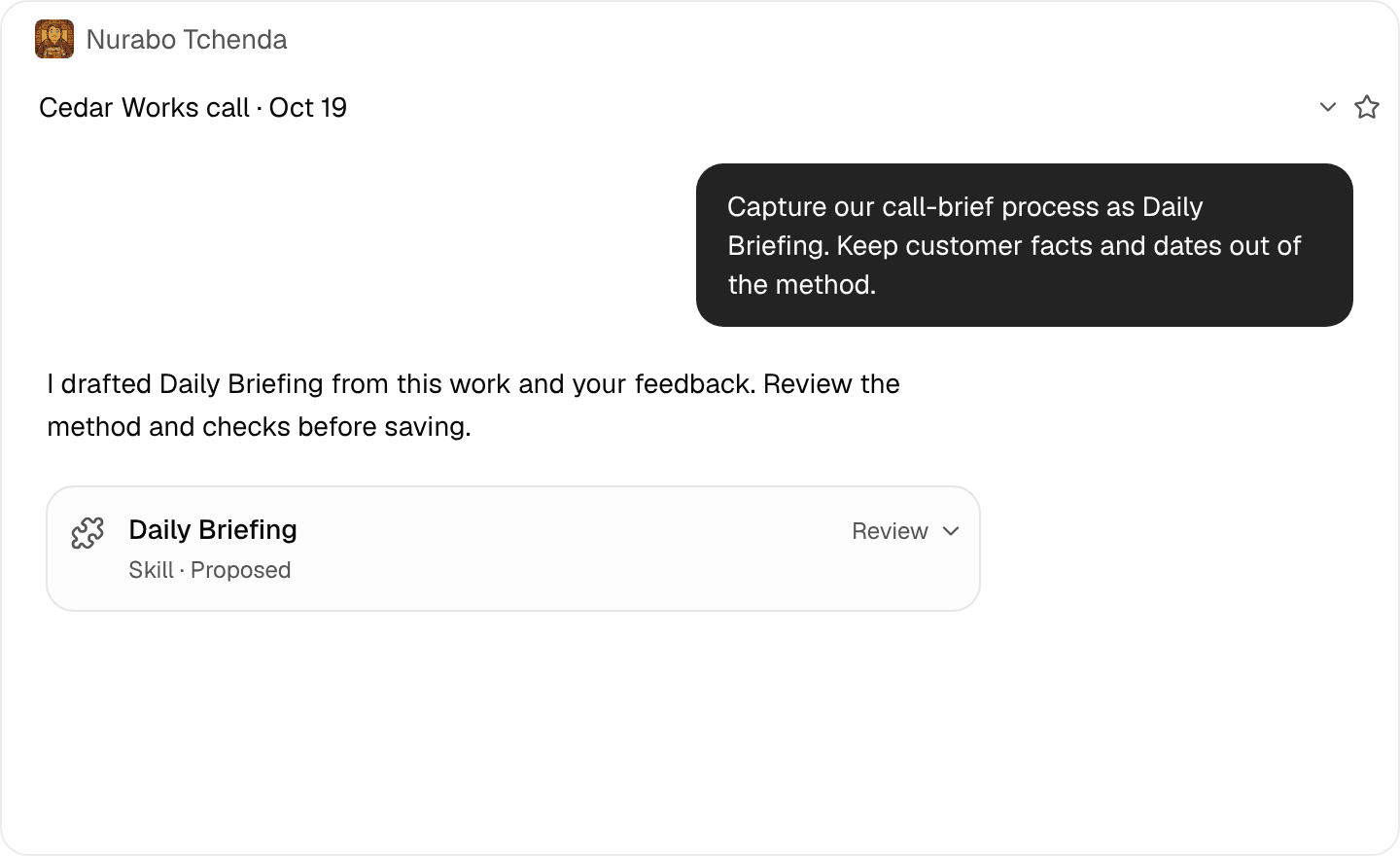
Turn the process we worked through into a reusable skill for this agent. Include when to use it, the information it needs, the steps and decisions, and the checks before the work is ready. Keep this job’s names, dates, and one-off facts out of the instructions. If a relevant skill already exists, propose an update instead of creating a duplicate. Ask me about anything essential that is unclear, then show me the proposed instructions for review before saving.
Paste it into the same conversation to continue working with your agent.
Answer any questions in the thread so the draft captures how you want the job done.
Include supporting material. Share any examples, reference documents, or templates the procedure depends on. Ask your agent to save them with the skill and explain when to read them. See Edit and import skills for details.
Review and save the proposed skill
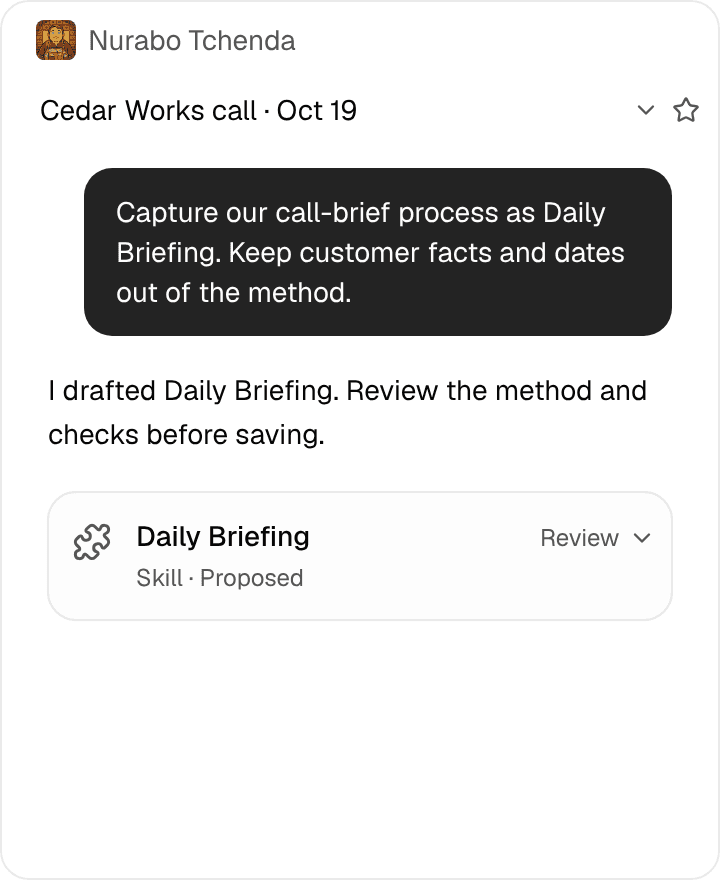
Your agent can offer a draft of the instructions in a Skill · Proposed card. Choose Review to expand the draft before saving.


Check the instructions against the work you reviewed together:
- Does the skill capture your feedback? Look for the changes, decisions, and checks you asked for.
- Will the skill work on another job? Keep the procedure, but remove this customer’s facts and dates.
- Does the skill explain how to check the result? Make sure your agent knows what must be true before the work is ready.
Ask your agent for changes in the thread if anything is missing or wrong. When you’re happy with the instructions, choose Save skill and confirm the card changes to Saved.
Give your agent access to the skill
Check the skill is attached. Open your agent’s Configure → Playbook → Skills. If the saved skill is missing, choose Add skills, select it, and save the configuration.
Tell your agent when to use the skill
Ask your agent to propose a short addition to the System Prompt that connects the job to the skill. Review the change and confirm it is saved. Keep the procedure in the skill itself.
Tell the agent when to use the skillPrompt
Propose an update to this agent’s System Prompt telling it which jobs should use the skill we just saved and to read its full instructions before starting. Keep the agent’s broader role and its directions for other skills. Don’t copy the procedure into the System Prompt. Show me the change to review before saving.
Paste it into the same conversation to continue working with your agent.
Try the same job with new details
Start a fresh thread with your agent and ask for the same kind of work with new details. Supply the relevant sources without repeating the steps and checks you saved in the skill.
Find your agent quickly
Press + on Mac or + on Windows/Linux to open Search. Find your agent and select the result marked New thread to open a fresh composer with your agent selected.
- Change the inputs. Use a different customer, date, or set of records.
- Keep the request simple. Ask for the result you need without explaining the procedure again.
- Let your agent use the skill. Check whether the saved instructions are enough to produce the work you expect.
Check the result:
- Fresh facts: did your agent use the new sources without carrying over the previous customer’s details?
- Behavior: did your agent follow the System Prompt’s standards and boundaries?
- Process: did your agent read the right skill’s full instructions, follow the method, and complete its checks? Finding the summary alone is not enough.
- Scripts, if used: did your agent run them with the new inputs and check the results?
- Missing information: did your agent identify gaps rather than inventing an answer?
Explain what needs improving and ask Hyperagent to propose a correction. Use the FAQ below to decide where the correction belongs. Review the change and confirm it was saved before testing again.
What success looks like
You ask for a brief for a different customer call. Your agent uses the new sources, puts risks and questions first, and flags missing information without being reminded of the process. Your feedback can focus on the findings rather than repeating the same instructions.
What else can you teach your agent?
Teach a process, a way to weigh decisions, or checks for finished work. Use the examples that fit your job.
A process to follow
A report refresh needs more than “get the latest numbers.” A reporting method defines the order of work and when the result is ready to share.
# Refresh the report
1. Retrieve the source data for the requested period.
2. Run independent queries before work that depends on them.
3. Retrieve all result pages before assembling the report.
4. Check the assembled data, then build the report.

# If a check fails
Stop publication when a required check fails.
Explain warnings and any information that could not be retrieved.
Do not present a partial refresh as a complete report.
A way to weigh the options
Tell the agent what matters when choosing between options. Your agent should explain the choice, show the facts behind it, and point out what you give up by choosing it.
# Understand the choice
Explain what we need to choose and what matters most.
Ask if the priorities are unclear.
Use current facts. If sources disagree, show where they differ.

# Recommend an option
Say which option you would choose and why.
Link to the facts behind your choice.
Show the next-best option and when it would be a better fit.
Point out any missing information that could change the answer.
Standards to check against
“Research this applicant carefully” leaves too much unstated. An applicant-review method makes evidence quality visible and checks that the recommendation stays consistent wherever it is recorded.
# Check the evidence
Distinguish facts, inferences, and unknowns.
Link factual claims to their sources.
Show missing information as unknown instead of omitting it.

# Check the handoff
Keep the recommendation, confidence, and rationale consistent
across the report, tracker, and summary message.
Read updated records back to confirm what was saved.
Do not overwrite a human decision with your recommendation.
A consistent way to use a tool
A tool can finish successfully while its output is still wrong. This video workflow uses attached scripts to check the render, then asks the agent to inspect what viewers will actually see.
Attached scripts:verify_geometry.pyinspect_render.py# Prepare the render
Check the installed tool version before choosing commands.
Confirm images are valid and fonts have loaded.
# Use the attached scripts
Run verify_geometry.py to check the layout geometry.
Run inspect_render.py to inspect the encoded output.
Read their usage instructions before choosing arguments.
Report failed checks and fix the cause before rerunning.
# Review what the scripts cannot prove
Check the finished file’s dimensions and duration.
Inspect the actual first frame, last frame, and key transitions.
Do not assume the inspection script checks the exact endpoints.
Play the video in the page where it will be viewed.
Confirm playback advances and the controls work.
A successful render command alone does not mean the video is ready.A format that serves the reader
The right format depends on what someone needs to do with the result. An attached script can suggest a page template; the skill tells the agent how to choose and fill it.
Attached script:pick_template.py# Choose the format
State the reader’s goal in one sentence.
Read the usage instructions for pick_template.py, then run it
to suggest a template for that goal.
Treat its suggestion as a starting point, not a final decision.
Read the selected template before drafting.
To explain a distinction:
Describe the situation, what each option means,
and what changes when the reader chooses one.
To help someone complete a task:
Give prerequisites, actions, the expected result,
and what to do if something goes wrong.
To help someone find an exact answer:
Use consistent reference entries with clear labels.
# Check the page
Give it one primary job.
Include enough context for someone arriving directly from search.