Find and correct a saved memory
Check what your agent remembers, correct an outdated fact and decide which agents should be able to use it.
Keep the right facts in use
A memory keeps a fact, preference or correction for future work. If your agent keeps using an old preference, inspect the saved record before adding another copy. This guide helps you find it, correct it and check who can use it.
What you’ll learn
- Find the saved fact: Check its owner, origin and readers.
- Correct and test it: Save one clear preference and check fresh work.
- Manage its use: Choose who can read it, or archive it when it becomes outdated.
Find the saved record
Open Memories in Personal or the workspace where the work happened. Search for a distinctive phrase from the fact you want to change. Check the agent's memories as well as the shared library: an agent can save a memory for its own work without putting it in the library.
You can also open a saved memory from its card in the original thread. A proposed memory is not necessarily saved. Check the card's status before looking for it in Memories.
On an agent's Memories page, Learned helps you find records attributed to that agent. It is a view of saved records, not an approval queue.


Inspect, correct and test
Check where the memory belongs
Open the memory and read its content, source and Origin thread, when available. Check Visibility or Readers and Agent Access to see which agents can use it. An agent-specific view also shows Owner.
- Agent-owned: kept with one agent.
- Library memory: kept in Personal or the workspace. An agent's knowledge settings and any direct links determine whether it can read it.
Agent suggested does not mean a person approved the memory. That source label covers both automatic saves and proposals someone later confirmed.
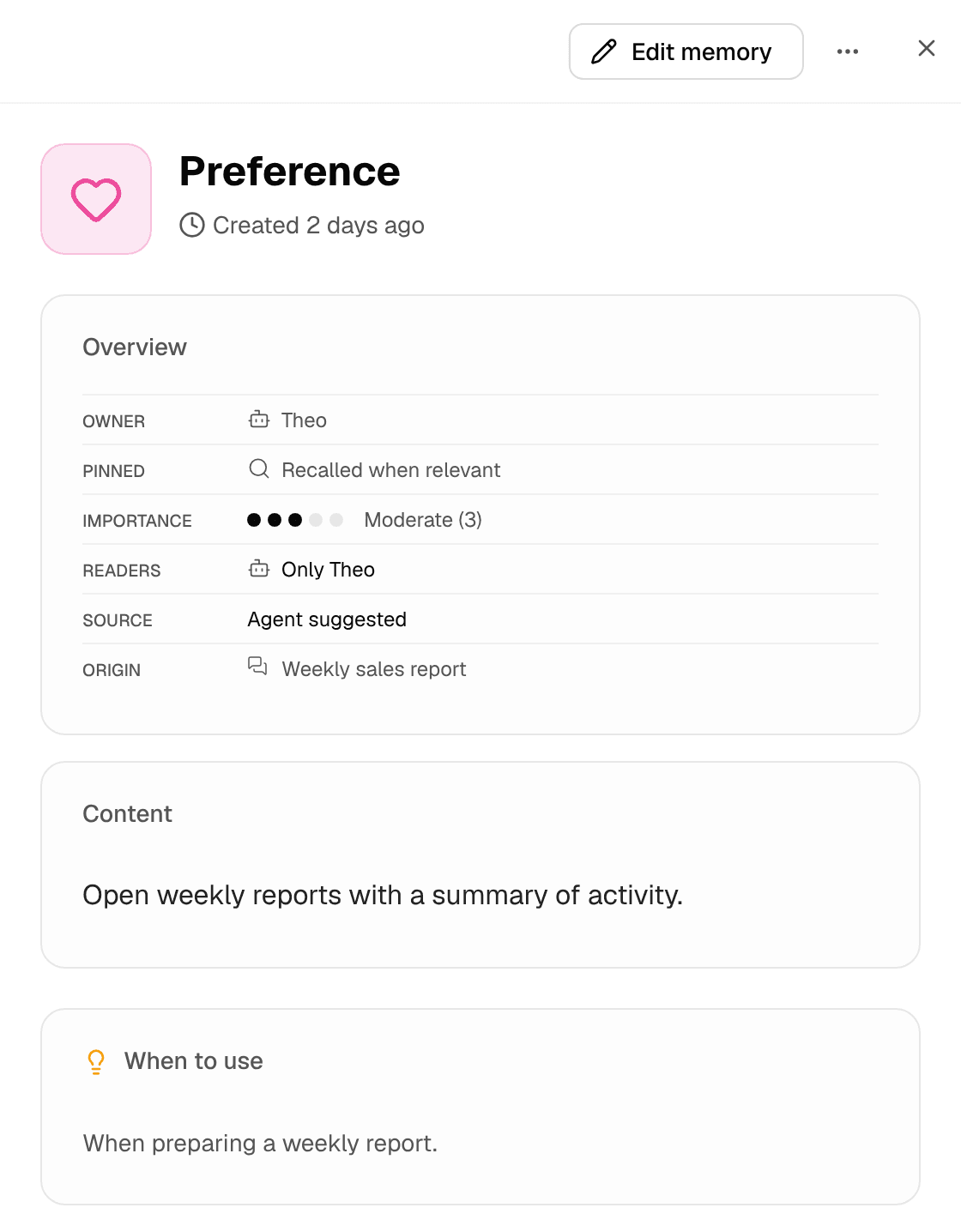
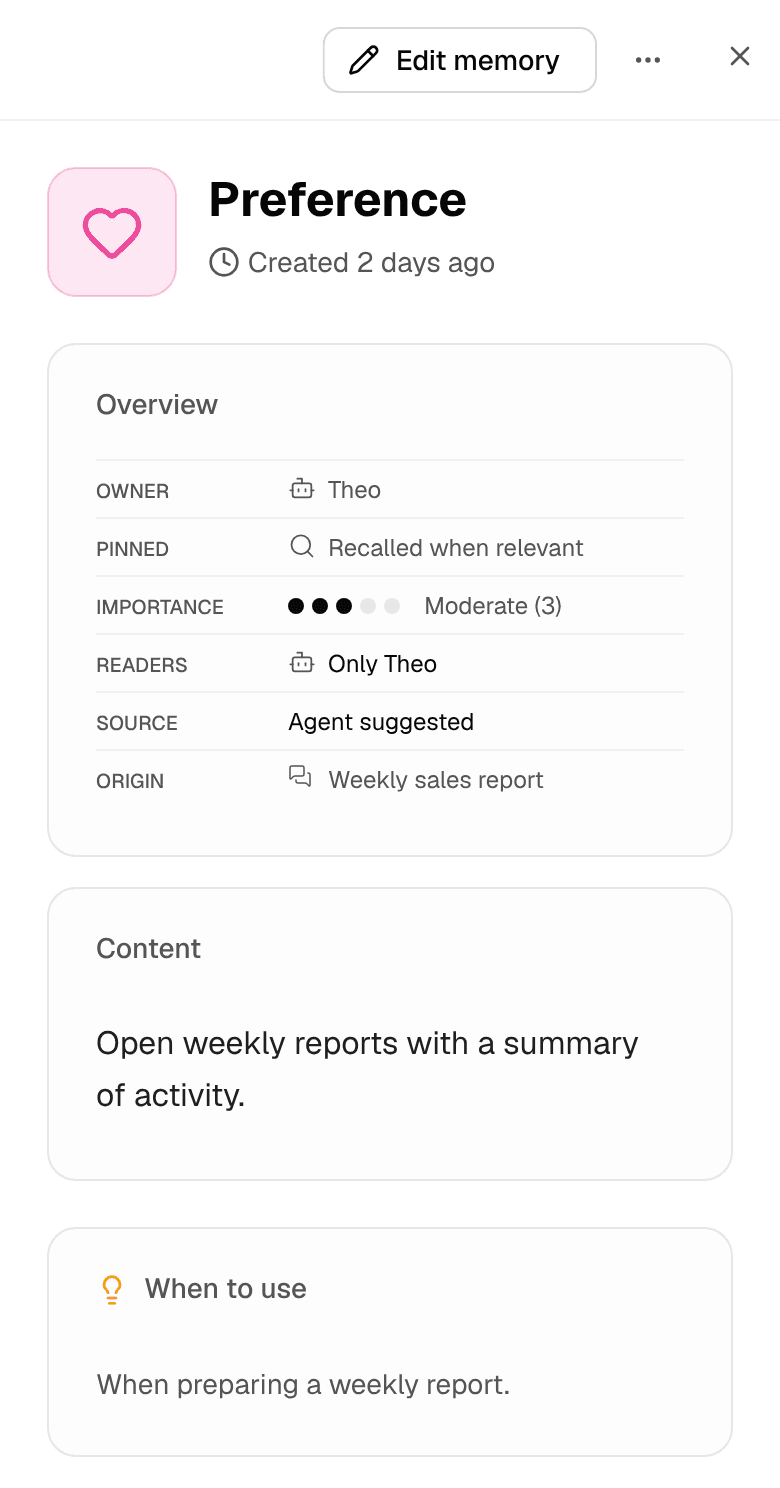
Save the correction
Choose Edit memory, update Memory Content, then choose Save changes. Keep one clear, lasting fact. Use When to Use and tags to explain when it matters.
For example, change a report preference to “Open weekly reports with decisions and next actions.” Keep this week's dates and results in the report itself.
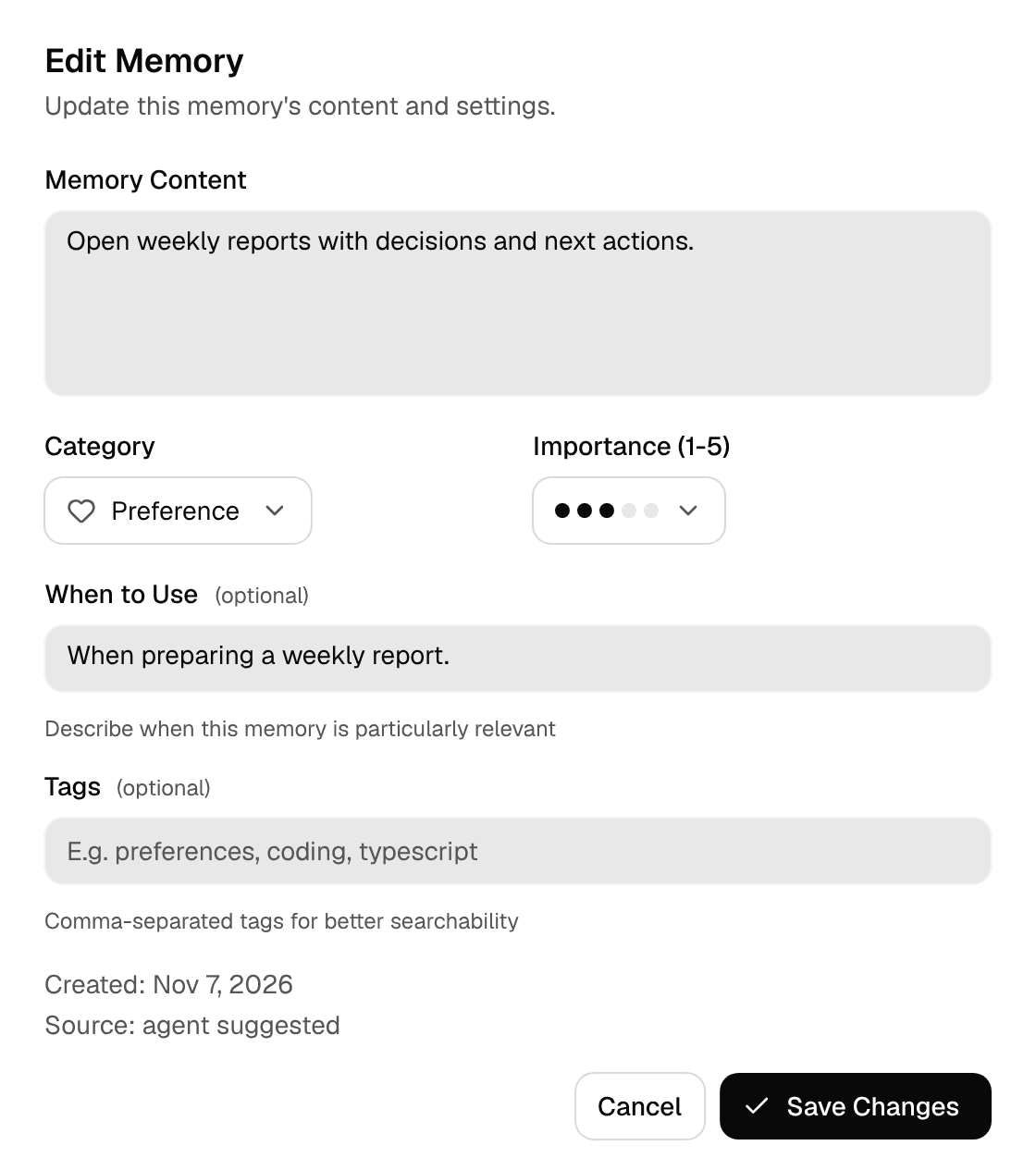
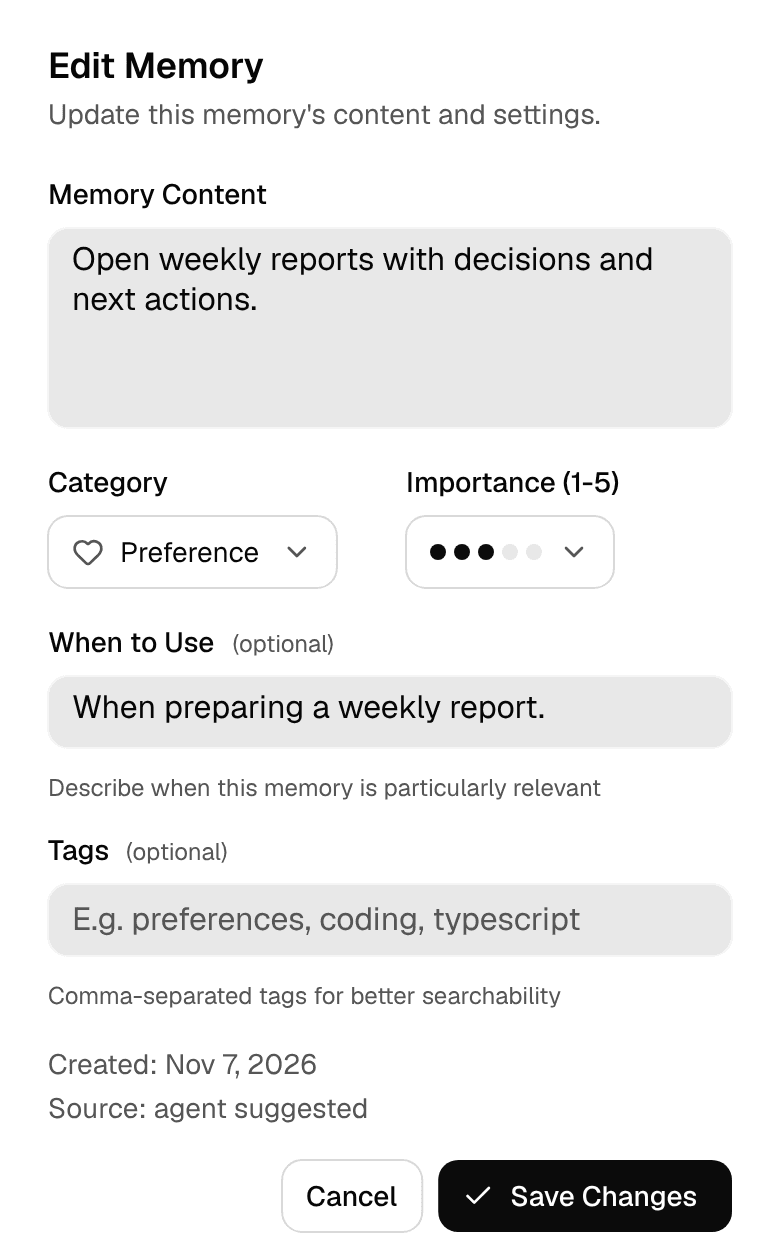
Reopen the memory to confirm the new content. Version History lets you inspect earlier versions and restore supported content changes. Moving ownership is separate and does not appear in that content history.
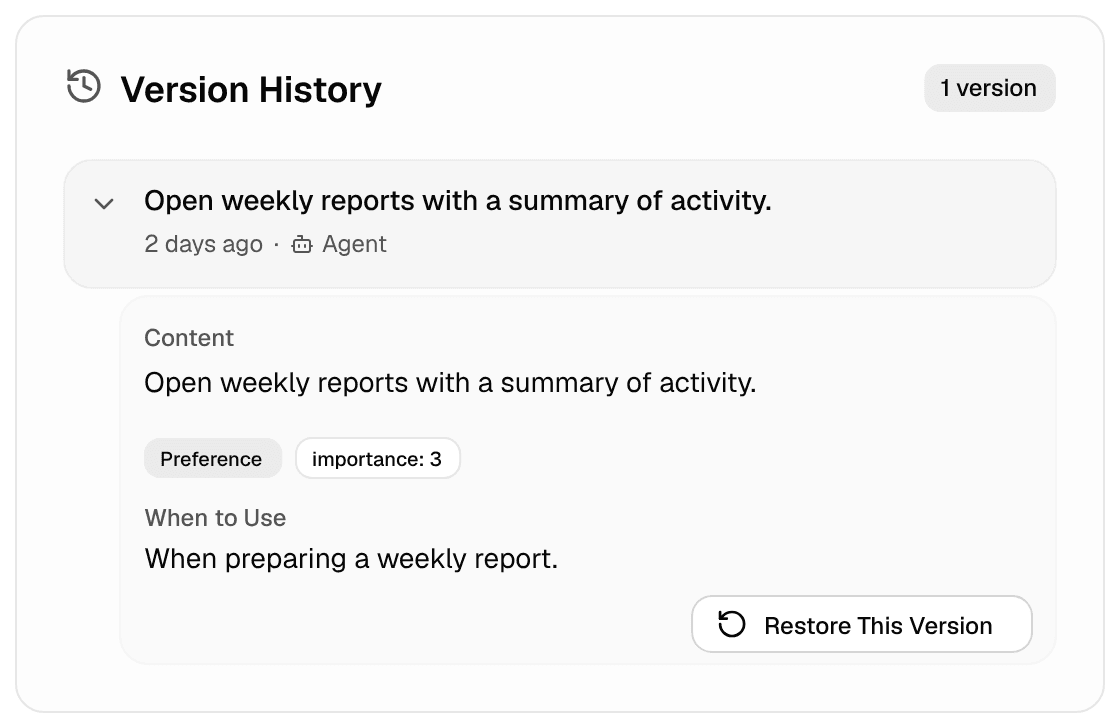
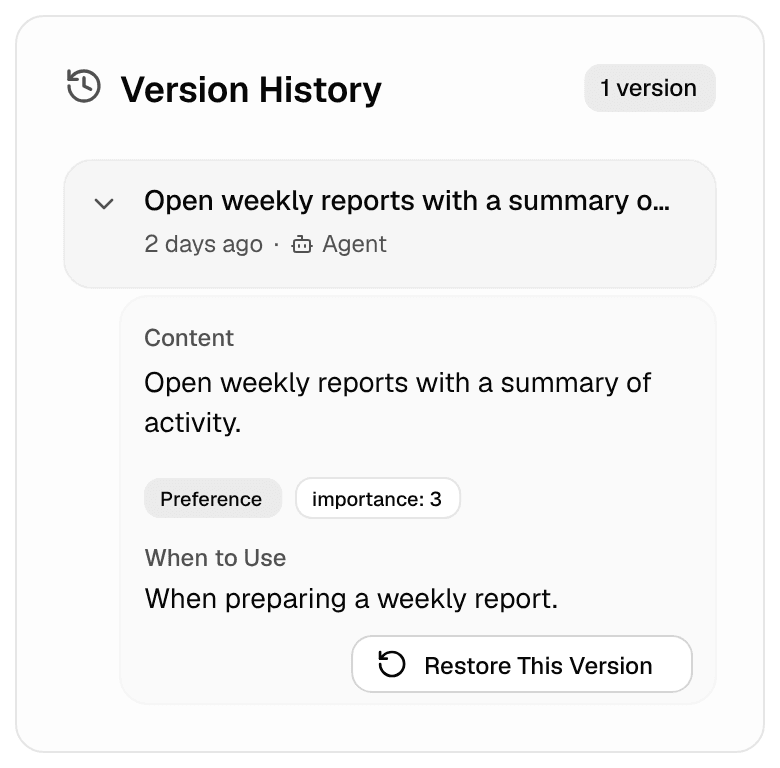
In a shared workspace, Owners and Editors can edit and archive memories; Members read them. If an action is absent, check the workspace and your access before trying to change the record.
Try fresh work with the same agent
Start a new thread in the same workspace. Ask for the same kind of work with new inputs, without repeating the preference you just corrected. Check the result.
If it still uses the old fact, confirm that the correction was saved and that the agent can read that memory. Then check for another saved memory or source containing the old version. Access does not mean every memory is loaded for every request.
Pins and importance 4–5 prioritize memories for loading before work starts, within a context budget. Keep that set small. For a preference that matters only occasionally, make its content and When to Use guidance specific instead of pinning it for every job.
Change which agents can use a memory
Use the memory's actions menu when its current home no longer fits the work.
| Your goal | Action and effect |
|---|---|
| Make one agent's fact available more broadly | Promote to my library in Personal, or the workspace-memory promotion action in a shared workspace. The memory stays in the same workspace, and the original agent keeps access. Other agents still follow their knowledge settings. |
| Keep a library fact with one specialist | Move to an agent, or the action naming that agent. The memory leaves the library and other agents lose access to it. Read the confirmation before moving it. |
These moves do not transfer memories between Personal and a shared workspace, or between two workspaces. You need permission to change the source and destination. Changing where an agent saves new memories does not move its existing ones.
Stop using an outdated memory
Choose Archive to remove a memory from recall while retaining the record. Use the Archived filter to find it again and choose Restore if it becomes useful.
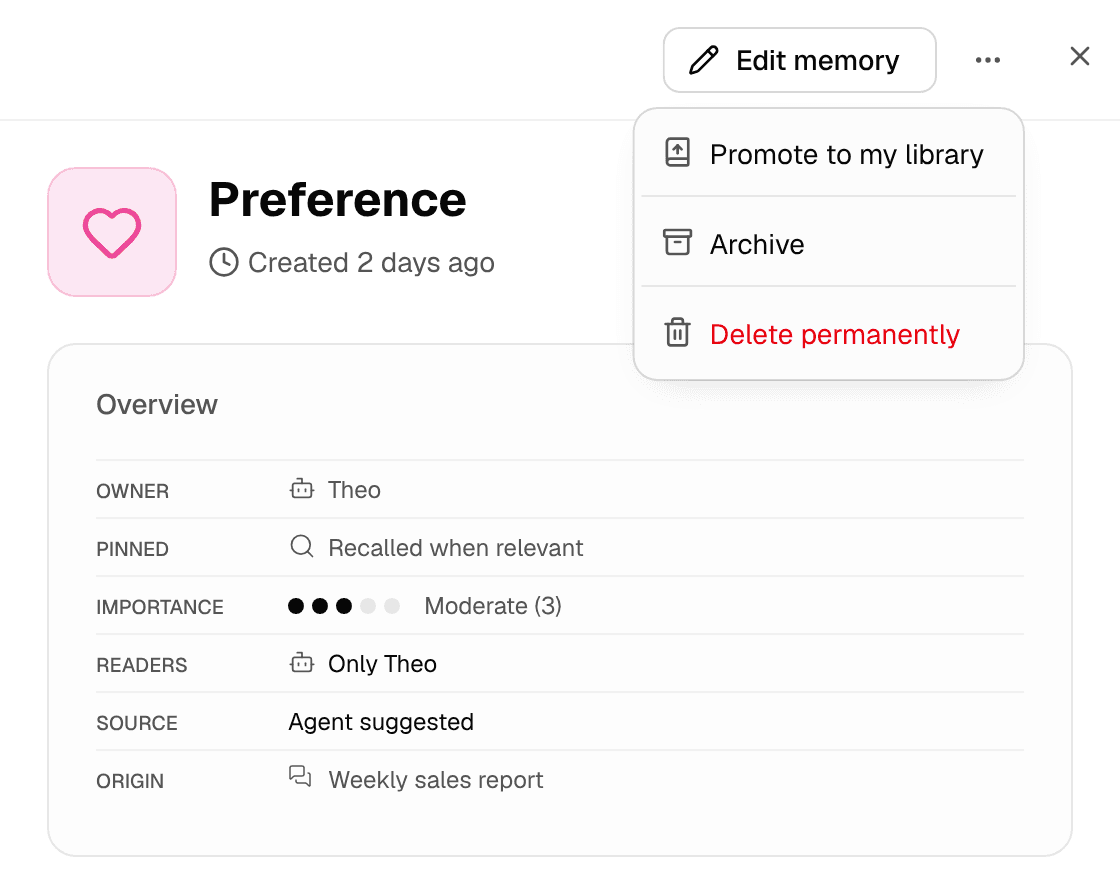
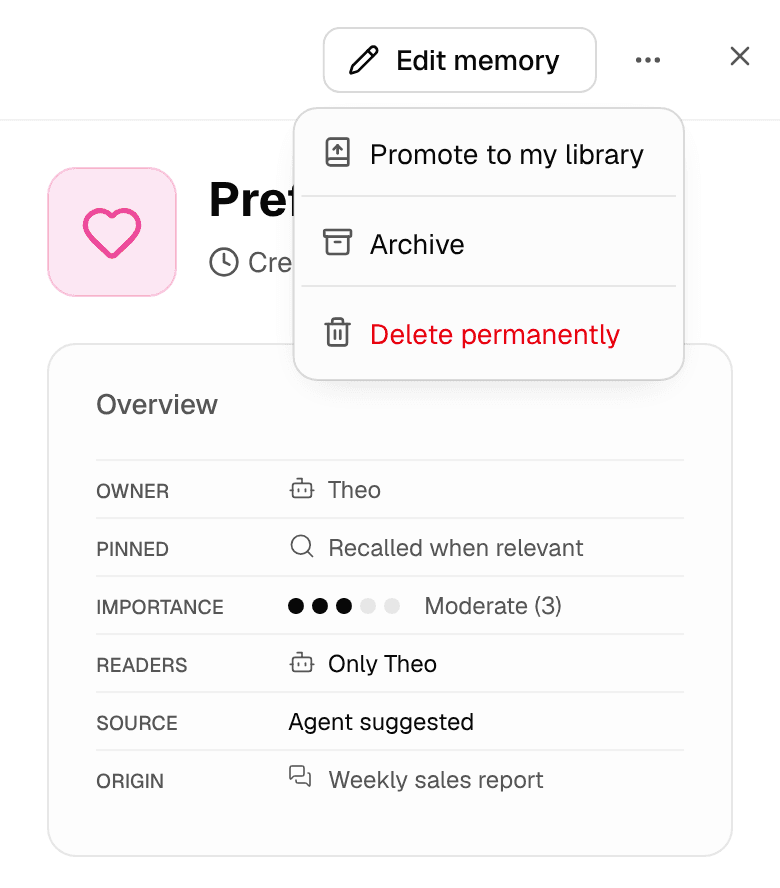
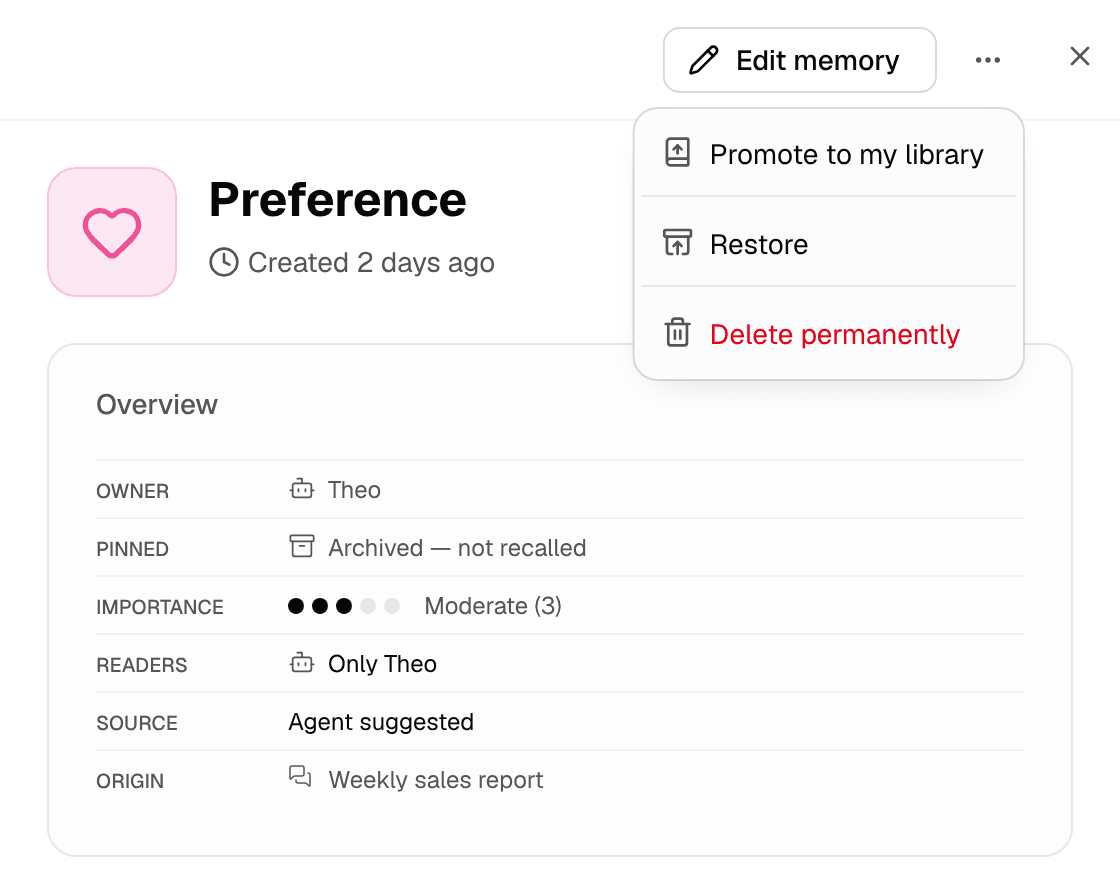
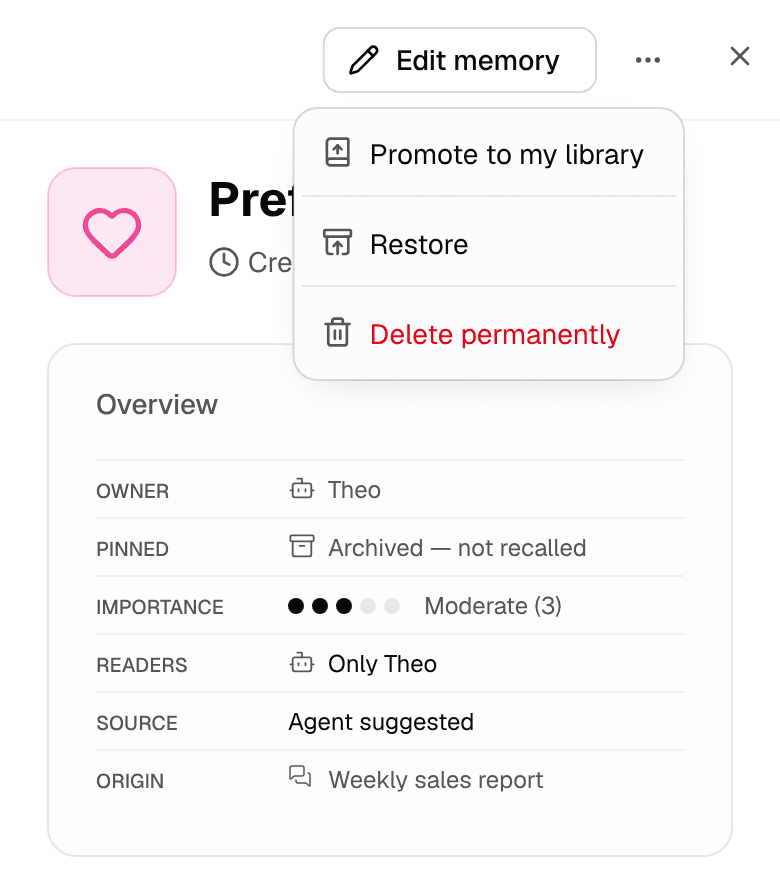
Delete permanently removes an active or archived memory after confirmation. It is available to the memory's owner or an Owner of its workspace; archiving first is not required. Prefer Archive when you may need it again.
Archiving or deleting a memory does not rewrite earlier conversations or a wiki page that already contains the fact. If the outdated information is in Autowiki, inspect and correct that page too. A memory and a maintained wiki page are separate records.