Edit and import skills
Update methods, scripts, credentials, and imported skills while preserving version history.
Your team changes the pipeline threshold, tightens the review checklist, or finds a better way to produce the weekly update. The method should change once, in the skill, so every agent that uses it can follow the improved process.
Editing, importing a skill file, and installing an agent bundle are three different operations. The distinction matters when agents already depend on a skill.
Change the existing skill
Update the skill in place when its process, examples, scripts, or retrieval guidance should change for every agent linked to that row.
Create a new skill
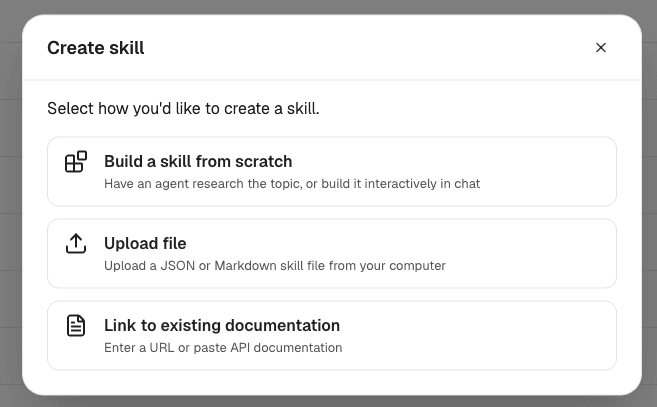
Upload a JSON skill export or a Markdown SKILL.md file. Import always creates a new skill; a name collision receives an imported suffix.
Resolve bundled skills
Installing an agent or template can reuse an equivalent skill, bind to your existing skill, or create a separate copy according to the install preview.
Edits have a wider blast radius
Saving a skill updates that method for every agent that uses it on later turns and new runs. Review shared methods with the same care you would give a reusable template, query, or production script.
What lives inside a skill

A skill can be pure method: a checklist, voice guide, research workflow, or report format. It can also include scripts, supporting files, and credential fields for work that must call an API or run the same calculation every time.
Keep the pieces aligned. If a script changes its input names while the documentation still shows the old command, the agent has two conflicting versions of the method.
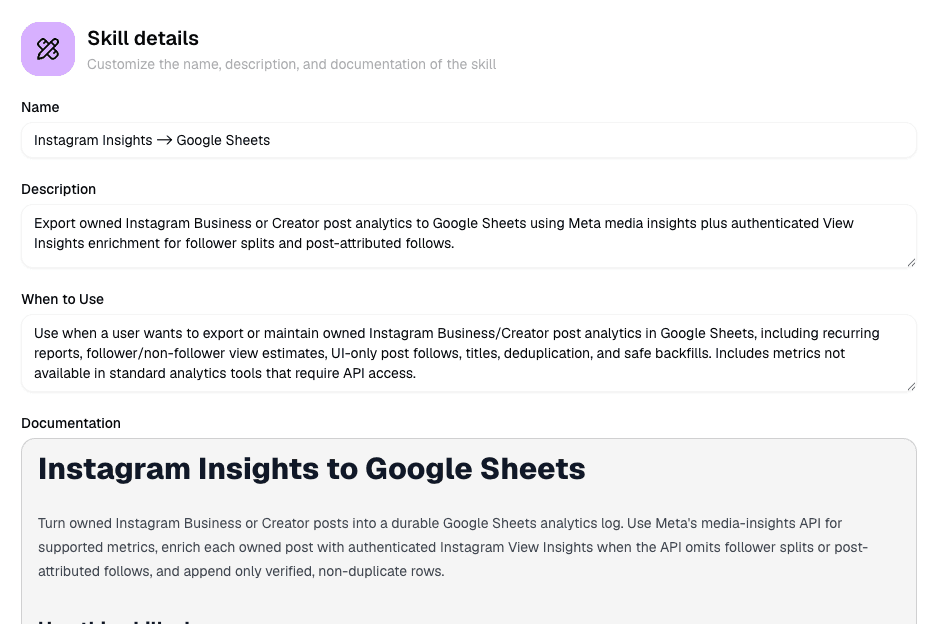
Documentation
The steps, constraints, examples, and output standard the agent follows.
When to use
The retrieval signal that tells an agent which requests should load the method.
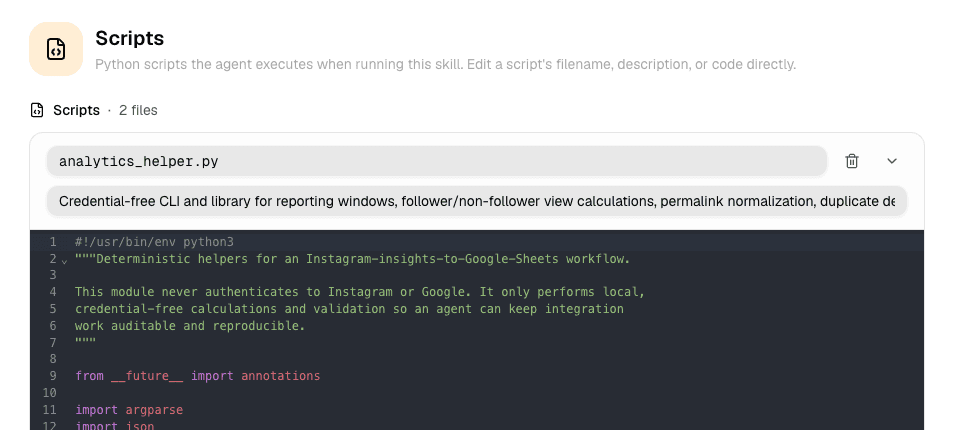
Scripts
Optional code for calculations, data cleanup, API calls, file transforms, and other repeatable mechanics.
References
Supporting files the method depends on, such as schemas, examples, templates, or lookup material.
Credential fields
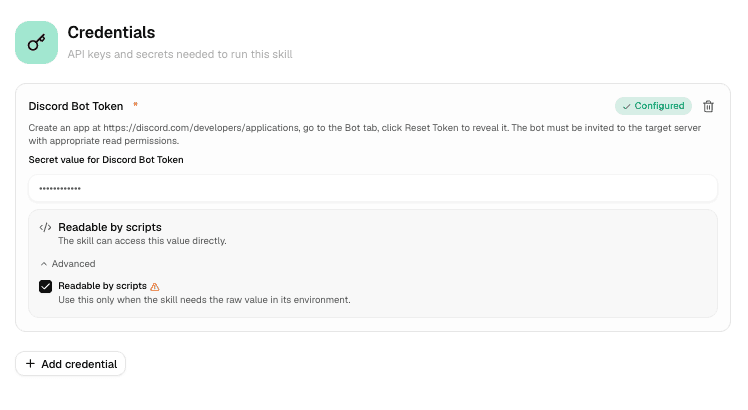
The names of secrets a script needs at runtime. Secret values do not belong in the documentation or source code.
Edit a skill in place
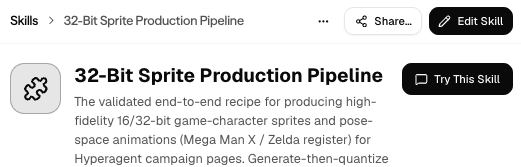
Open the skill your agents use
Open it from Skills or from an agent that has it attached. Confirm you are editing the shared method, not a similarly named imported copy.
Update the retrieval signals
If the job changed, revise the name, description, and when-to-use guidance so discovery still matches the right requests.
Keep the method and mechanics together
Update documentation, scripts, references, and credential field names as one change. Document required inputs, expected outputs, and failure cases for every script the agent may run.
Save and test on a new turn
Agents pick up the edited method on later turns and new runs. Test a request that should match the skill, then inspect the output and tool trail.
Example change
A Deal Risk Triage skill moves its threshold from $25k to $50k. Update the when-to-use guidance, the documented rule, any script constant or input, and the expected examples together.
Keep scripts predictable
Scripts are useful when a method contains mechanics the agent should not reinvent on every run.
Make the contract explicit
Use small, testable scripts with clear arguments or input files. Document required fields, accepted formats, and defaults.
Return something the agent can inspect
Produce structured output and actionable errors. The agent should be able to tell whether the operation succeeded and what to do next.
Show the agent how to call it
Name the script, the command or invocation pattern, and the conditions that should trigger it.
Keep credentials out of source
Define credential fields on the skill. Never paste secret values into the script, docs, examples, or thread.
Decide how credentials travel
Credential fields describe what a skill needs. Values are stored separately and injected at runtime when the skill executes with credentials.
For a credentialed skill shared to a team, choose one of two execution modes:
Use my credentials
Every team member can run the skill with the sharer's stored credentials. Usage is billed to the sharer's account, so use this only when every current and future member should receive that authority.
Each member adds their own
Every teammate must save values for the required credential fields before running the authenticated skill.
The documentation remains readable even when a runnable credential path is not configured. The authenticated script will not execute successfully until the required values are available.
See Teams for how shared access and credentials work together.
Import a skill file
The skill importer accepts:
- A Hyperagent JSON skill export, including its metadata, documentation, scripts, references, and credential field definitions
- A Markdown SKILL.md file with name and description in frontmatter; its body becomes the documentation
Every file import creates a new skill in the personal or team workspace you selected. If the name already exists, Hyperagent adds an imported suffix rather than overwriting or reusing the existing row. Credential values are never present in the export and must be configured again.
Import is not an update button
Import never replaces the skill your agents already use. Edit that existing skill directly when the intent is to update the shared method.
Install an agent bundle
Agent and template installation has a different collision flow from skill-file import. The install preview resolves each bundled skill before creating the agent.
Resolve each bundled skill
Hyperagent can reuse equivalent content, bind the agent to your existing same-named skill when you choose Use mine, or create a separate copy when you choose the publisher's version.
Preserve the publisher's pin choice
Bundled skills marked as pinned stay pinned on the installed agent.
Bring field definitions, not secret values
Credential schemas can travel with a bundled skill. Stored credential values do not.
Connect external services separately
Installing the agent does not silently connect Slack, Gmail, GitHub, or another external service. Review the requested integration access during installation.
Review unattended invocations
Suggested schedules and other unattended invocation shells are created in a paused state so you can review credentials, integrations, prompts, and timing before activation.
Hosted MCP does not manage skills
Configuration boundary
Hyperagent's hosted MCP can start and run agent work. It cannot create, edit, import, or bulk-sync skills. Manage skill configuration in the product.
FAQs
Edit the existing skill when the method changes. Import a file to create a new skill. Install an agent when the skills arrive as part of that agent's bundle.