Start working for Free on Hyperagent
Get research moving on Free, open shared reference files, find work waiting for attention and collect feedback beside the work your agent delivers.
21 October 2026
Get work moving on Free. Get to the files and work behind your shared agents without asking one person to relay every update. Find the task waiting for attention and collect feedback beside a published page.
Start working for Free on Hyperagent
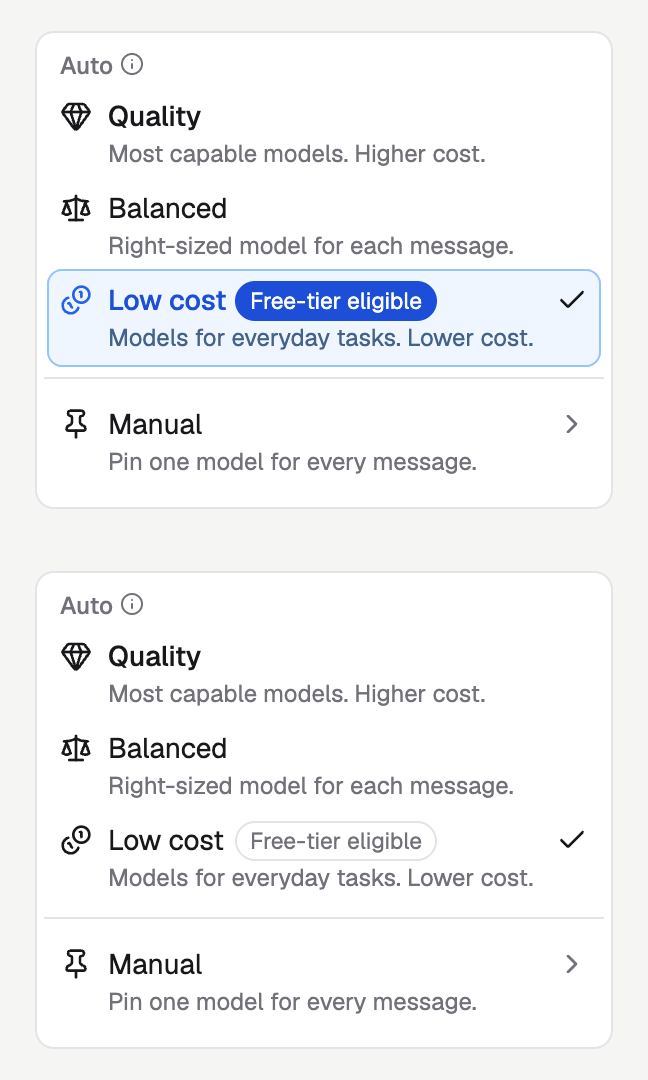
Start a research brief, return to a comparison you left unfinished, or pick up the next step with your agent. You can start for free with our generous free allowance on low-cost models.
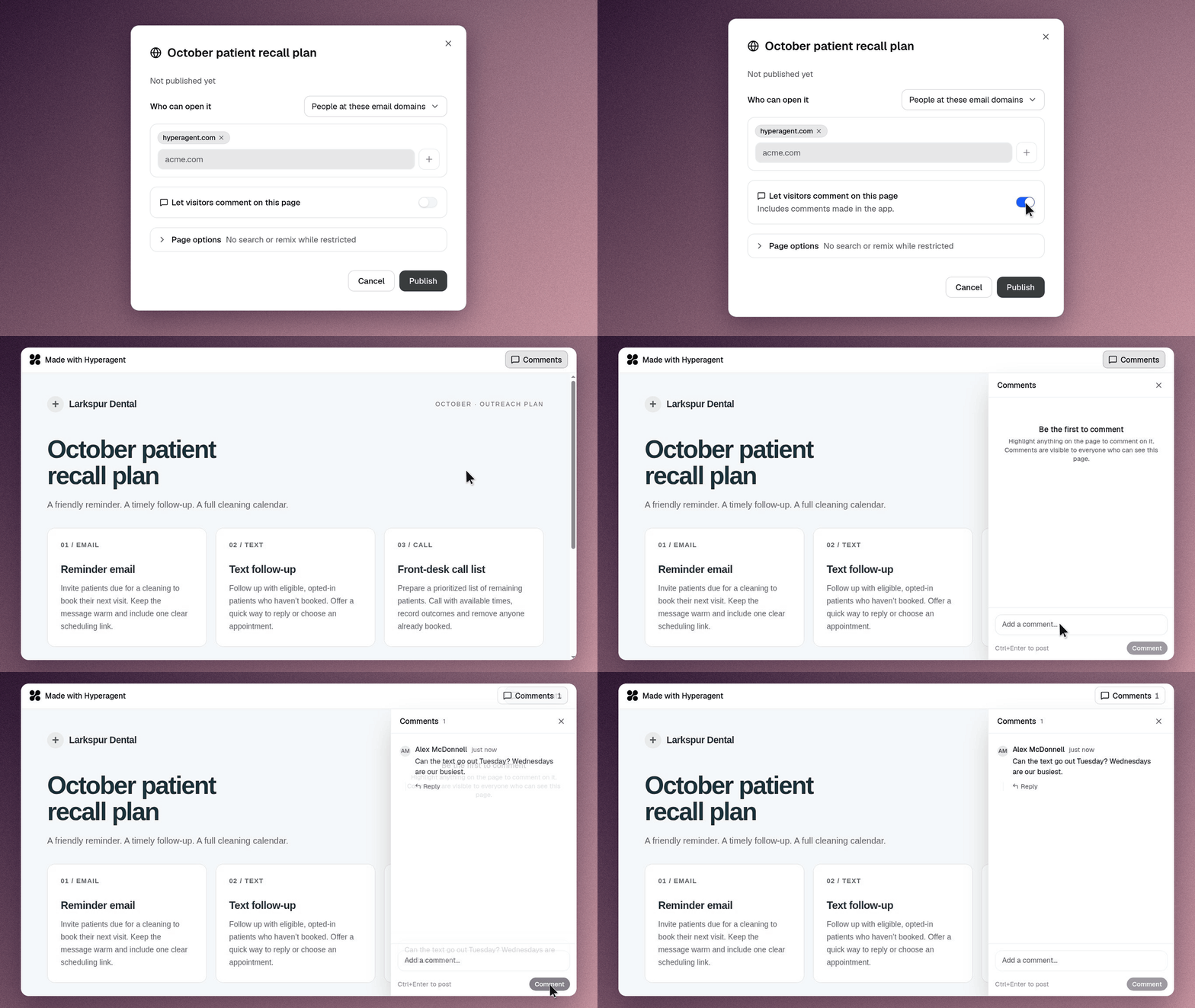
Collect feedback on the pages your agent creates
Generated page you publish can accept visitor comments. Reviewers can read the discussion beside the work, and sign in when they want to add feedback. Comments become readable to the page’s viewers too.
Share your agent's reference docs with the whole team
Teammates working with a workspace agent can preview or download its reference files, even when someone else uploaded them. Open an agent card to find running or waiting work, then move between its work, files and profile. Get back to the task and its sources without searching through several conversations.
See what a rule change would do before saving it
Access-policy proposals mark additions, changes and removals against the agent’s current rules. Review the differences or edit the policy document, then decide what to save.
You can check an email-rule revision without comparing two full lists by hand. Preview the proposal; saving applies it.
Additional improvements
Models and image generation
-
Model choices: Choose Muse Spark Open for agent work or FLUX 3 Image Klein for image generation.
-
Image references: Reuse working images and get clearer feedback when a reference or generation request needs attention.
Conversations, memory and files
-
Memory corrections: Correct a saved fact directly from its conversation card and save it in place.
-
Conversation recall: Ask your agent for recent conversations or topic matches active since a date.
-
Forked notes: Branch a conversation with its earlier working notes when that saved version can be recovered.
-
Review context: Expand compact cards and revisit room questions with their answers or skipped state.
-
File deletion: Remove outdated generated files in a thread to save space. Unpublish a published file first.
Agents and teams
-
Personal copies: See when your personal copy last matched its team source, without treating the timestamp as a change log.
-
Better agent email: Choose incoming-only, replies to senders, or permission to email the owner first.
-
Team invitations: Send the address you typed and see when pending invitations can be resent.
-
Schedule controls: Inspect a schedule with actions that match your access.
Integrations and browser
-
Slack reactions: Bring reactions into summaries of the Slack messages your agent can read.
-
Telegram notifications: Read normal completed replies without a duplicate app or browser completion alert.
-
Browser forms: Complete form steps together and see whether guided sign-in actually saved a login.
Billing and subscriptions
-
Update Invoice details: Add your business name and address in Billing for future invoices.
-
Checkout feedback: See the checkout outcome when you return to Billing.
-
ChatGPT reconnection: Reconnect an expired subscription connection rather than refresh your Hyperagent session.
-
Subscription notices: Recognize when your connected ChatGPT subscription is using the paid-plan option you chose.