Shared Billing
Put multiple members on one organization payment method, manage membership, and understand how existing credits move.
Shared Billing puts multiple people on one billing organization. Every member's Hyperagent usage bills to the organization's payment method, and the Owner can manage membership and review combined usage.
Teams are separate
Teams are for organizing and sharing agents. They do not create a shared balance or change who pays. Shared Billing is a separate organization-level billing setup.
How Shared Billing works
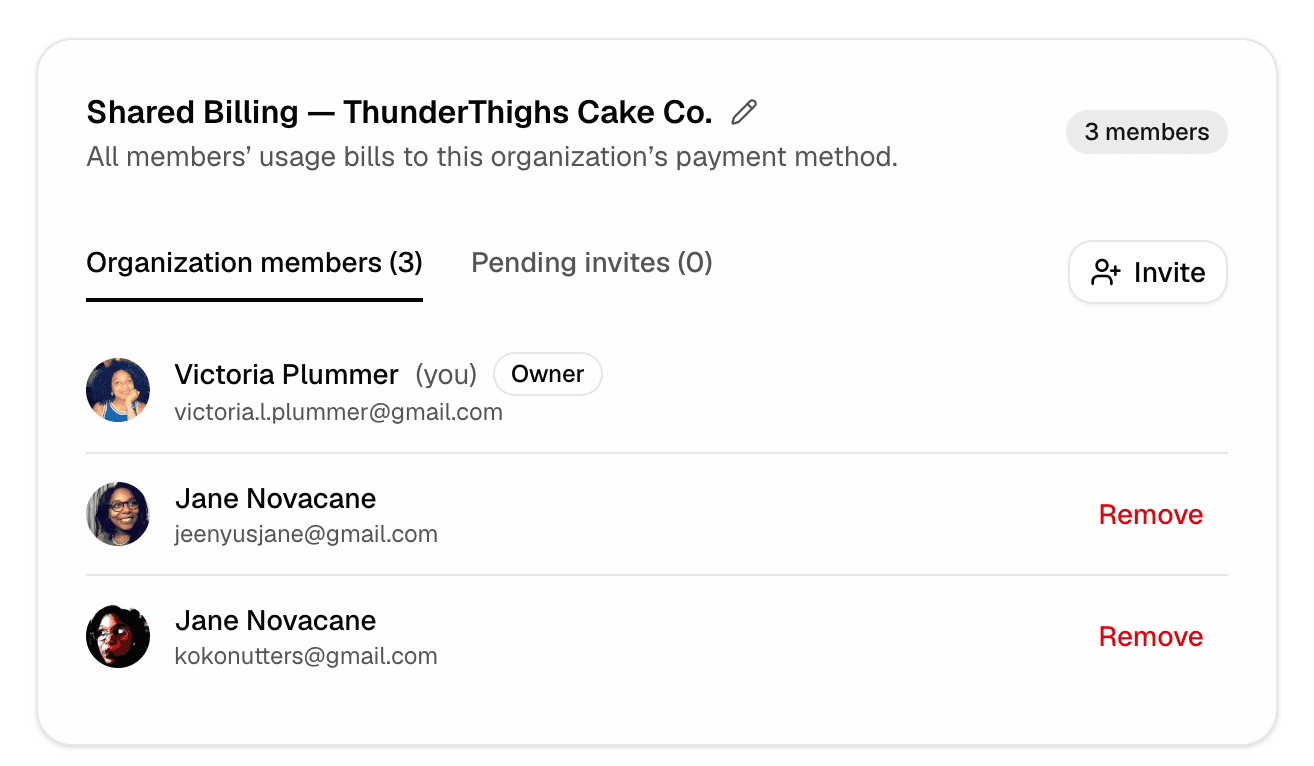
An eligible Owner enables Shared Billing from Settings → Billing. Their billing account moves into a shared organization, and invited members begin billing usage to the organization's payment method after they join.
The Owner can rename the billing organization, invite members, review pending invitations, and remove members.
Once Shared Billing is active, workspace settings name the paying organization, so every member can see which organization their usage bills to.
Requirements and limits
- Only the Owner can enable and manage Shared Billing.
- The Owner must have a paid web plan. Apple-billed plans cannot enable it.
- A person can belong to only one Shared Billing organization at a time.
- Members cannot keep a separate personal plan while they belong to the organization. Their usage bills to the shared payment method.
- Someone with an active Apple-billed subscription must cancel it in the App Store before joining.
Enabling Shared Billing is one-way
Enabling Shared Billing permanently moves the Owner's billing account into the organization. There is no self-serve action that returns the Owner to individual billing.
Members can leave or be removed, which returns future usage to their own billing. The Owner cannot undo the shared setup themselves. Contact Support if Shared Billing was enabled by mistake.
What happens to existing credits
Credits stay attached to the billing account where they were issued.
- Credits on the Owner's account move into the Shared Billing organization and can cover member usage.
- Credits on a member's personal account stay on that account after the member joins. They are not transferred to the organization and cannot be used while the personal account is dormant.
Manage Shared Billing
Open Settings → Billing to manage the organization, invite or remove members, and review usage billed to the shared payment method.