Let Hyperagent choose the model for you
Let Auto choose models as your work changes, edit images, and create short videos with sound.
5 October 2026
Let Hyperagent choose the model for you
Choose Auto, then Quality, Balanced, or Low cost. Hyperagent makes more selective model choices as your requests change, so you can move from routine edits to deeper analysis without switching models yourself.
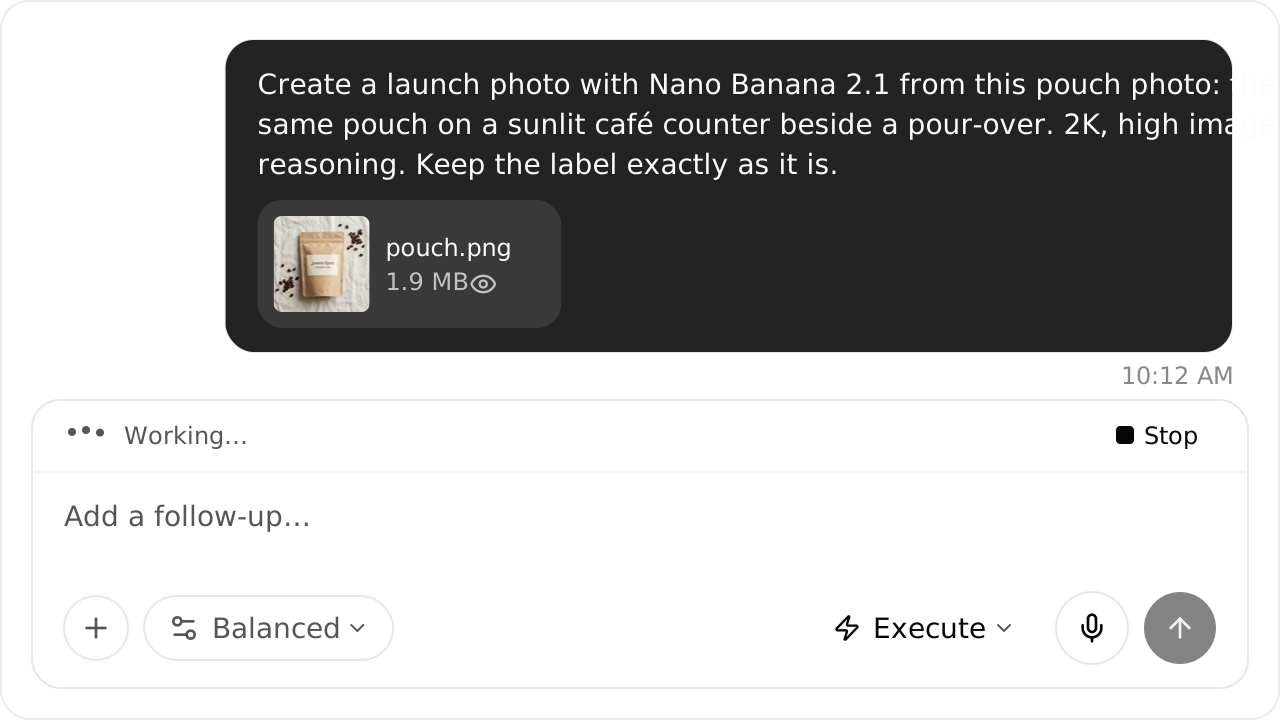
Create and revise images with Nano Banana 2.1
Ask for Nano Banana 2.1 to create an image or revise an attached reference. Include your preferred resolution and image reasoning level in the request. Explore image generation.
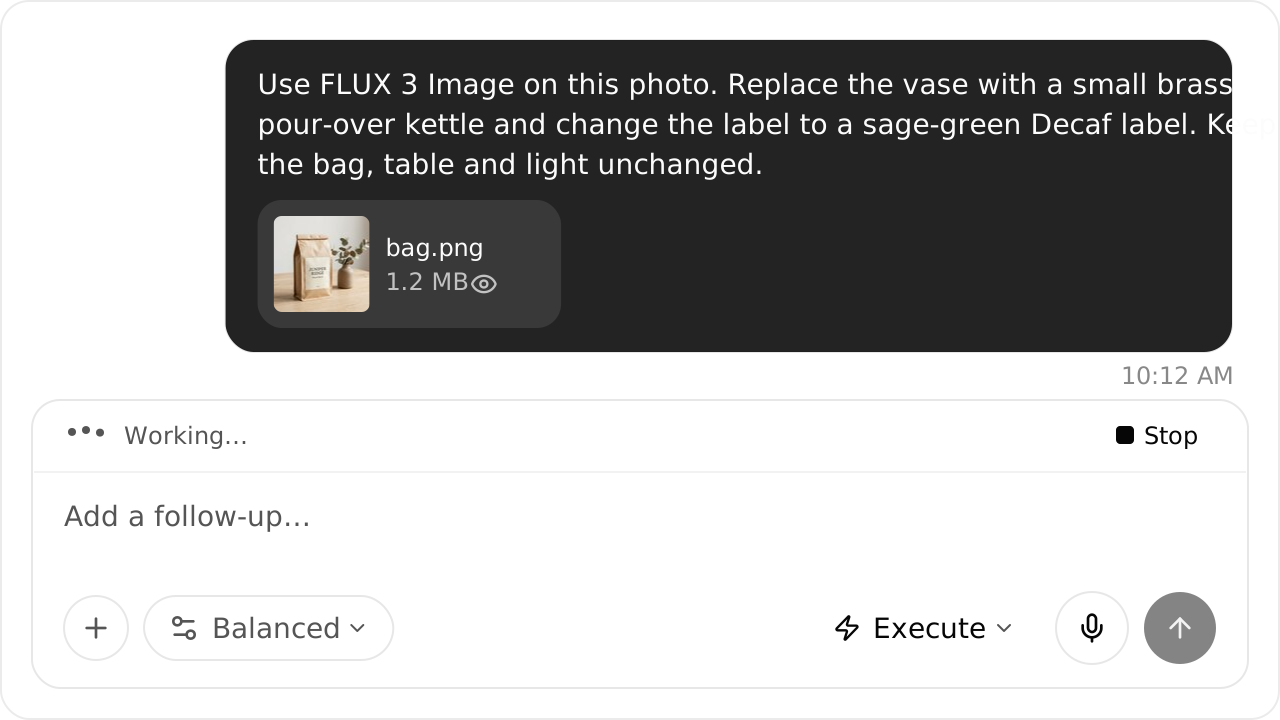
Change specific image elements with FLUX 3 Image
Attach an image and tell FLUX 3 Image what to change, move, keep, or remove. For new compositions, use up to ten reference images and request output up to 4K. Explore image editing.
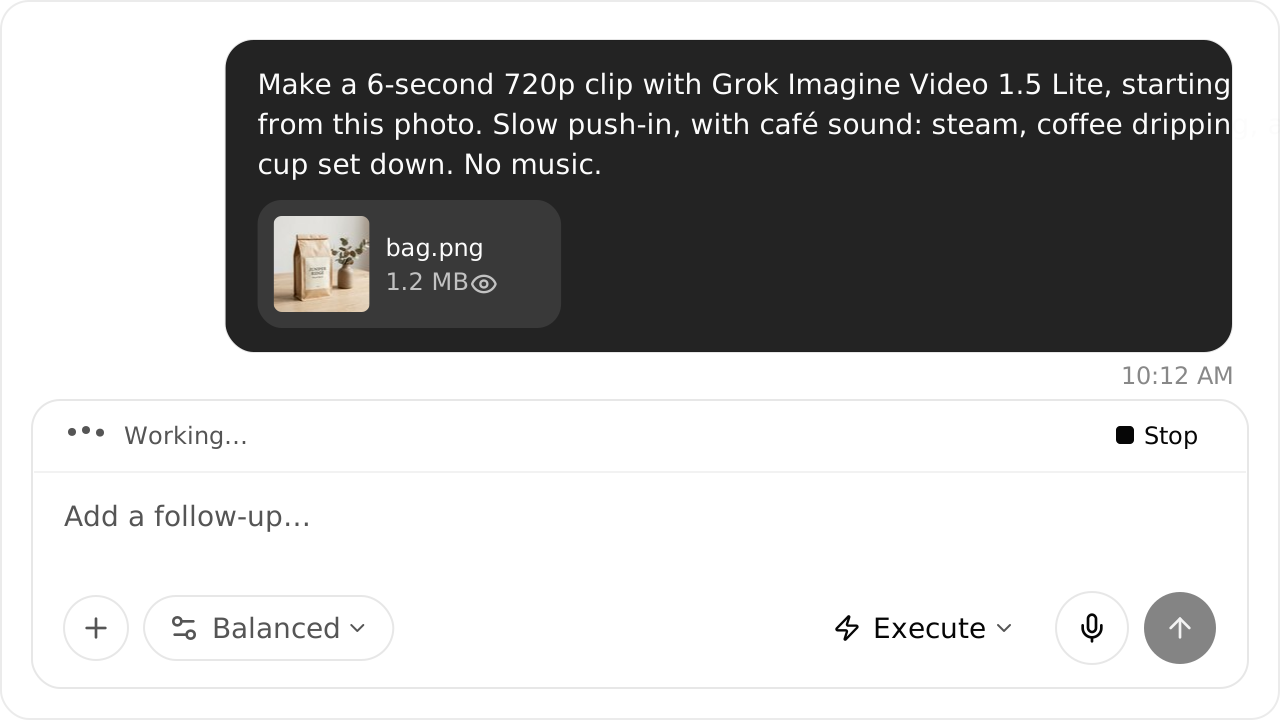
Create short videos with sound
Ask Grok Imagine Video 1.5 Lite for a 1–15 second clip in 720p or 1080p. Describe the action and sound, with an optional starting image. Explore video generation.
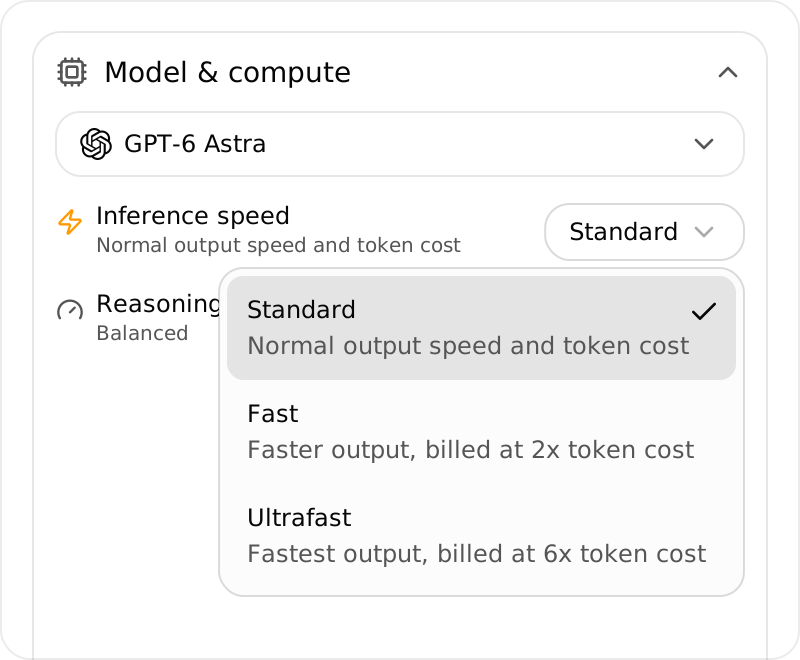
Choose a faster speed for GPT-6 Astra
GPT-6 Astra offers Standard, Fast, and Ultrafast on eligible accounts. Choose a speed in Models and compute; Fast and Ultrafast use premium inference. Auto continues to use Standard.
Other updates
- Try Mistral Large 4 for text work and supported image inputs, with your agent’s existing knowledge and tools.
- Send scheduled reports to Slack without making the agent respond to messages in that channel. It still needs permission to post.
- Review skill ownership before moving an agent and choose which links to keep or remove.
- Identify delegated work in Usage with readable agent names or saved task labels.
- Edit your room messages to correct eligible text in an active room you’ve joined.