Workspace skills
Share reusable methods with a Workspace, choose which account runs them, and decide when to use the shared source or fork it.
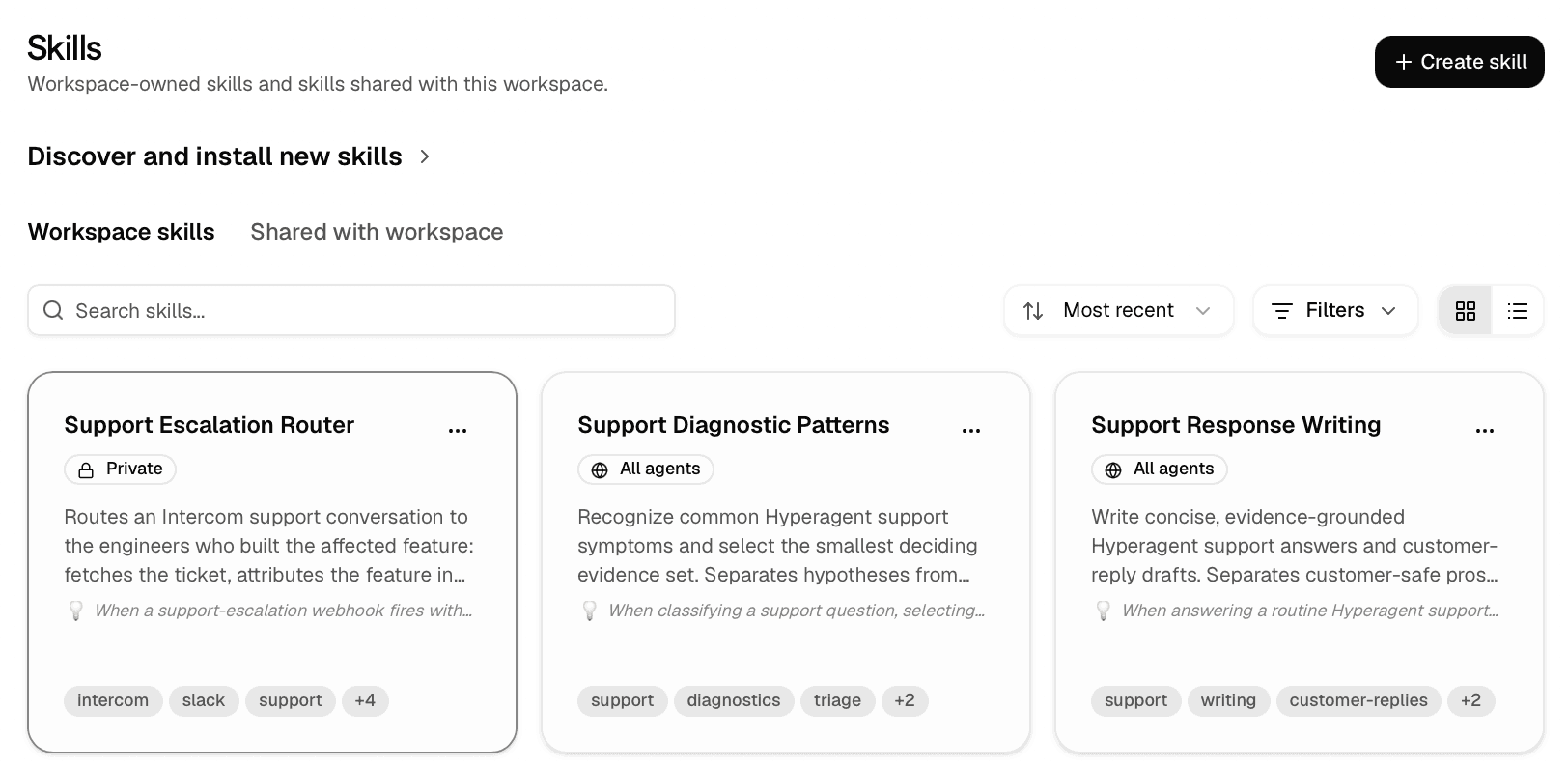
A skill gives an agent a reusable method. Workspace skills let many people and agents follow the same one without keeping a copy each.
One method everyone follows, instead of five drifting copies
Improve the shared skill and every agent using it improves with it. Nobody redistributes anything, and nobody is quietly running last quarter's version.
Four choices shape how a Workspace skill works:
Maintenance
Decide whether Owners and Editors maintain it together or one personal owner keeps the source.
Agent access
Make it discoverable across the workspace or link it only to named agents.
Credentials
Run actions through the sharer's account or require each member to connect their own.
Shared source or fork
Follow the maintained method or create an independent variation.
Choose who maintains it
A skill can be Workspace-owned or shared from a personal owner.
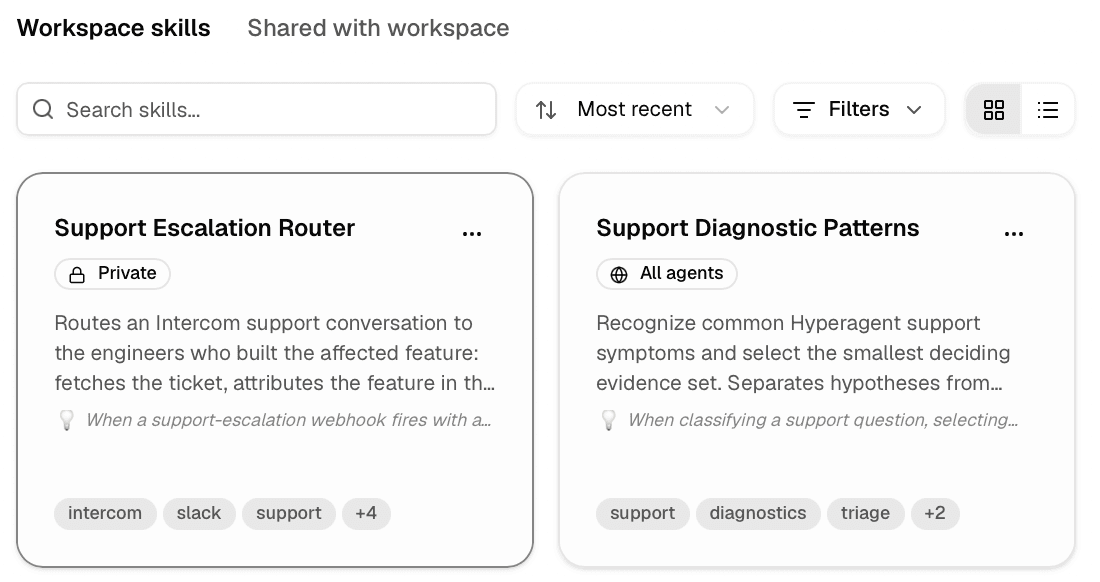
Owners and Editors maintain it together. Every Workspace member can use the shared method. Choose this for an operating practice the Workspace owns, such as the escalation procedure Scout uses to classify urgent support requests.
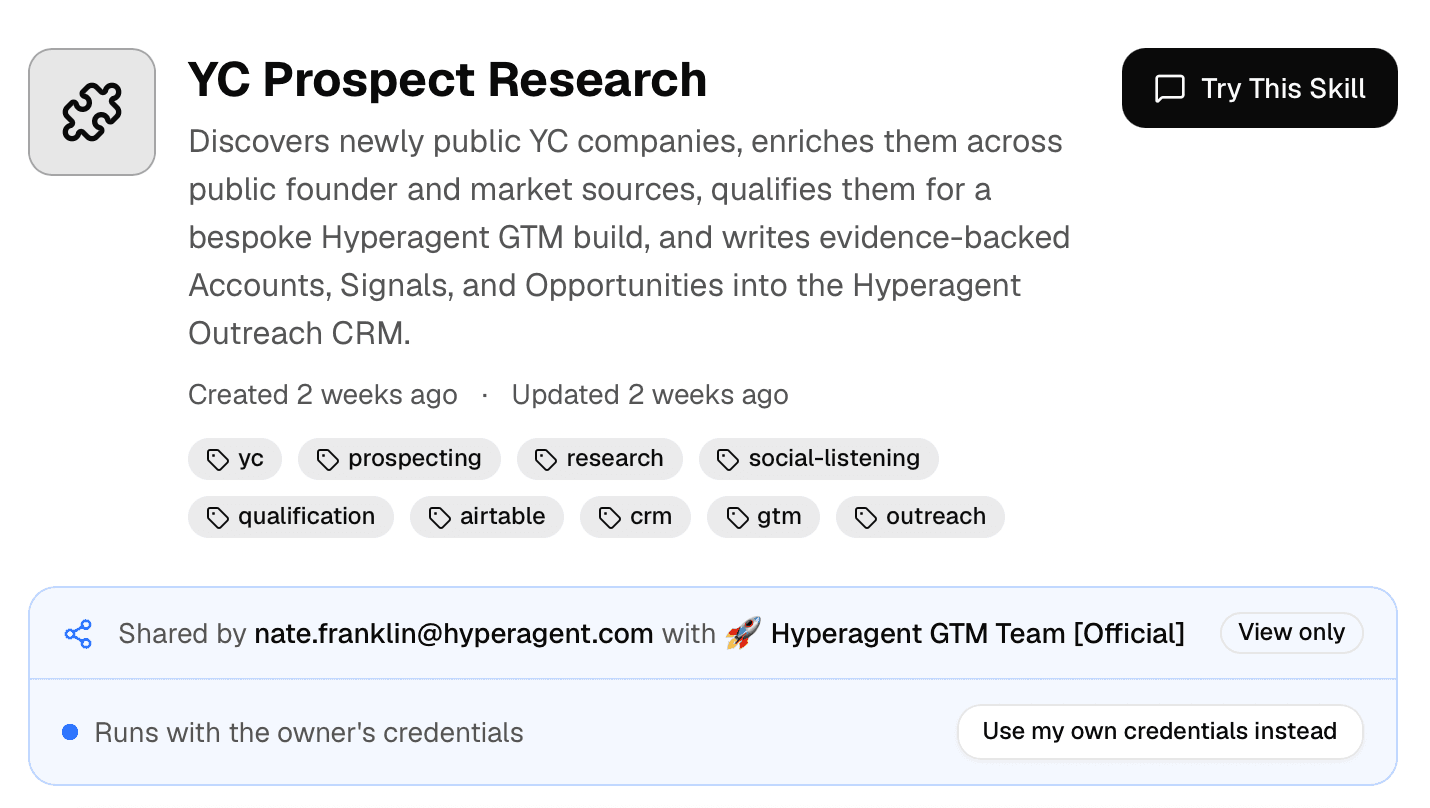
One person maintains the source. The Workspace uses that skill by reference. Choose this when one person should remain accountable for the method while several teammates or agents use it.
A shared personal skill stays connected to the original rather than becoming a frozen copy. When its owner clarifies how Scribe should format troubleshooting steps, every agent using it gets the new version immediately. Delete the personal skill and the Workspace keeps no snapshot. Use a shared skill when that dependency is intentional; use Workspace ownership when it isn't.
Automatic updates with standing workspace consent
When an agent works in a Team workspace with Auto-save skills enabled in its Learning settings, verified workspace editors have standing consent for content updates.
The agent can autonomously update shared skill documentation, procedural guides, and code examples without triggering repetitive draft review cards for minor refinements. To ensure credential security, changes to credential schemas still require explicit confirmation and are never saved autonomously.
Choose which agents can use it
Owning a skill and exposing it are separate decisions. On the skill's Agents & Discoverability section, two controls decide who can pick it up.
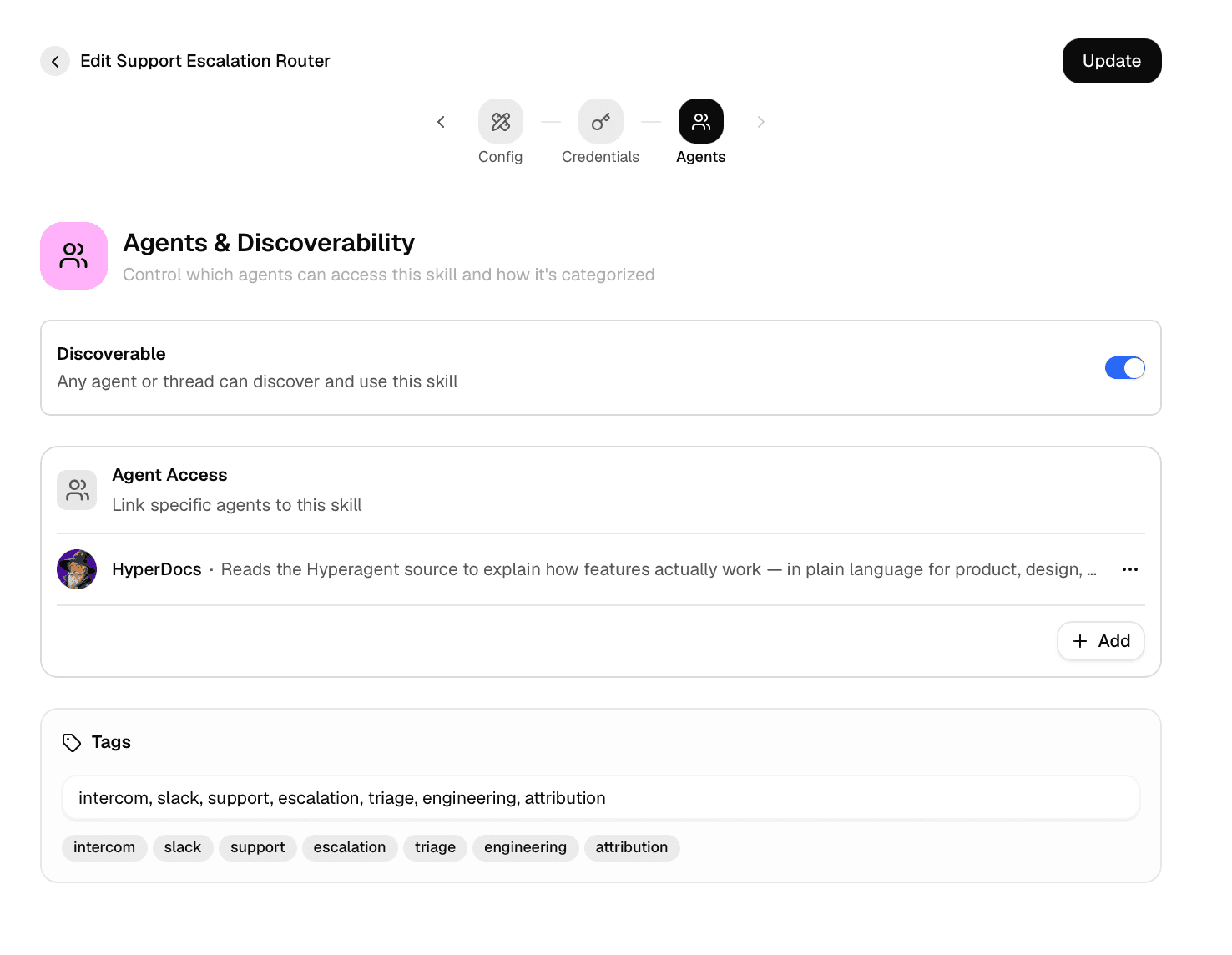
Discoverable
Any agent or thread in the workspace can find and use the skill without anyone attaching it first. It joins the pool every agent searches.
Agent Access
Link specific agents and only they get the skill, regardless of what the rest of the workspace can discover.
Leave a general method discoverable so agents pick it up when the work calls for it. Restrict a skill to named agents when it's specialized enough that another agent reaching for it would be a mistake, or when it carries credentials only certain agents should act through.
Choose whose account performs actions
Sharing a method doesn't decide whose account performs its actions. When a skill carries credentials, sharing offers two choices:
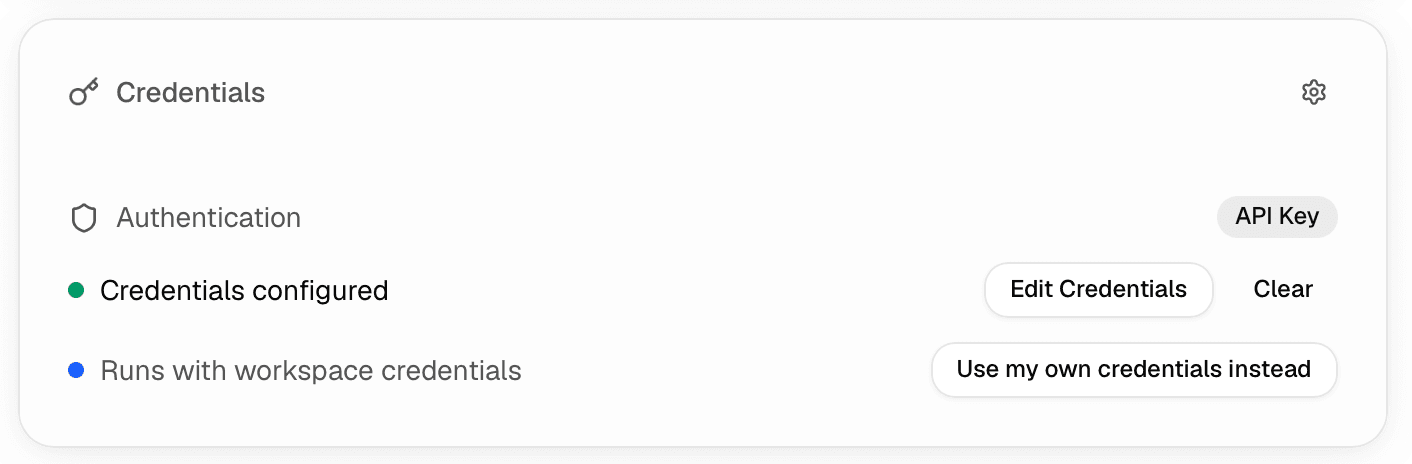
Runs use the account connected by the person who shared the skill, and members do nothing. Use this for an approved shared account with one accountable maintainer; the connected service sees that account, its access, and its limits.
If the sharer's credentials go missing, a member's next run posts a Credentials missing card in the chat rather than a dead end: they can add their own credentials to run it themselves, or ask the owner to restore the setup.
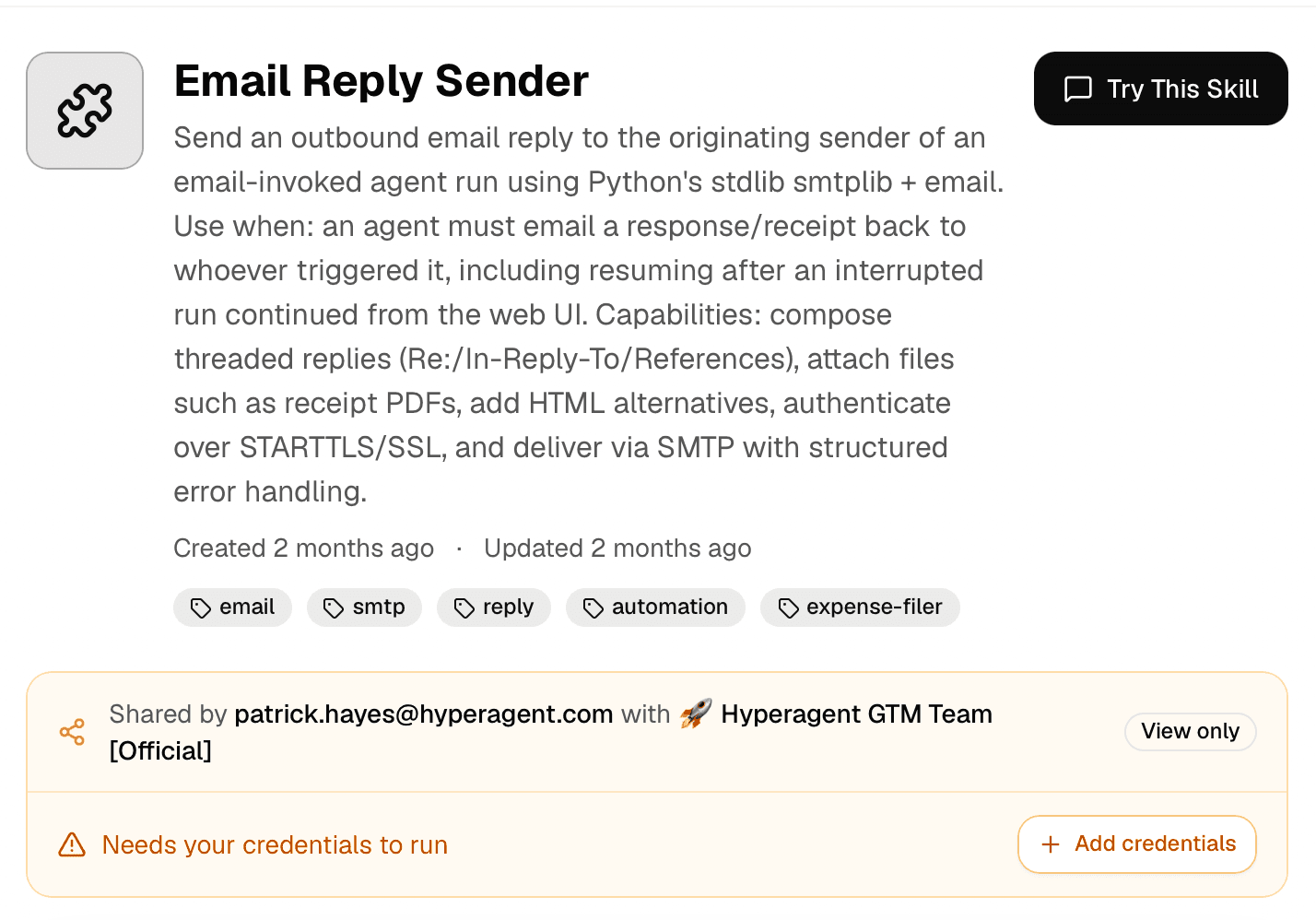
Each runner connects their own account, so actions carry the runner's identity and access.
Open the shared skill. It shows who shared it and the amber status Needs your credentials to run.
Select Add credentials. The member enters their own keys, which stay encrypted and are never visible to the person who shared the skill.
Run as yourself. The status changes to Using your credentials, and every action carries that member's identity and access.
If a member runs it before connecting, nothing fails silently. The run asks for the missing credentials in a chat card. Add them through the skill's credential form, then ask the agent to try again.
A member can also choose their own credentials on a Use my credentials skill: opening it offers Use my own credentials instead, and their account takes over for their runs from then on.
Use the shared source or fork
Keep following the maintained method
Source improvements remain current for everyone using the skill.
Create an independent variation
The new personal copy can change without affecting the shared source, and later source updates do not flow into it.
Most members should follow the workspace's shared skill so every agent uses the same maintained method. Fork it when you genuinely need an independent variation that should not change the workspace version.
The tradeoff is maintenance. A fork can diverge freely, but its owner must keep it current because later improvements to the shared source never reach it. Fork when divergence is the point, not to make one small edit.