Workspace memories
How a workspace agent's learning becomes shared context
During a thread, Scout learns that urgent support escalations need a second reviewer. Save that lesson with Scout when it belongs to triage. Save or promote it to the workspace library when other agents should use the same guidance.
Choose the audience for what an agent learns
An agent can save to its own memories or to the workspace library. Use suggestions and review when a new lesson should be checked before becoming shared guidance.
Workspace memories are policies, decisions, conventions, and facts in the workspace library. Agents can retrieve them according to their knowledge settings.
Agent memory or workspace memory
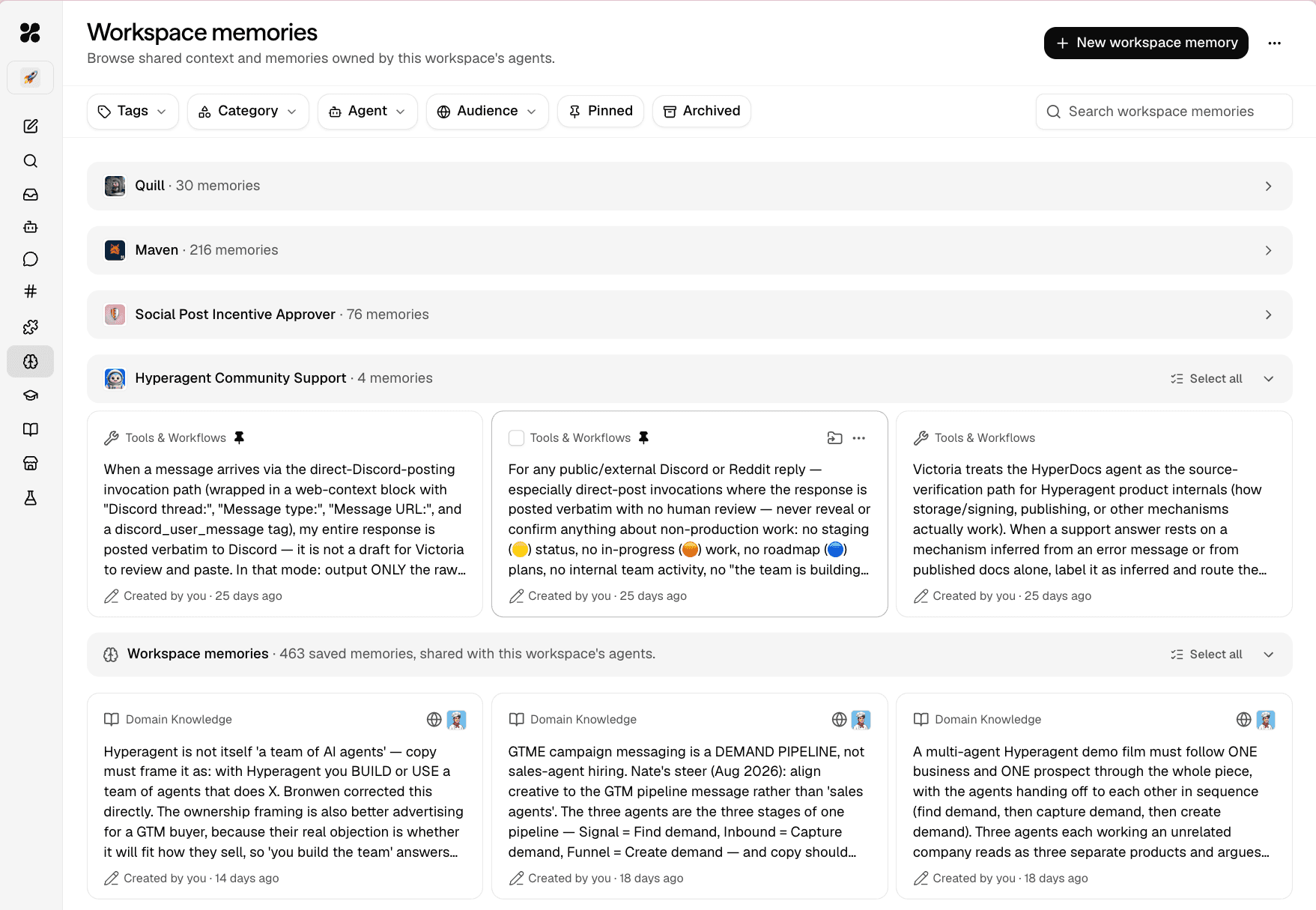
A workspace-owned agent can draw from its own memories and the workspace's shared context. Keep learning with one agent when it belongs to that role; promote it when other workspace agents should rely on the same guidance.
Workspace memories
Reviewed context that workspace-owned agents can retrieve according to their knowledge settings.
This agent's memories
Context that belongs to one workspace agent. It can help that role without changing what the rest of the workspace relies on.
Manage shared context
Workspace memories live on the workspace's Workspace memories page. The list groups memories by owner and can be filtered by category, agent, audience, pinned, or archived.
Every workspace role can read shared memories. Owners and Editors add, edit, archive, and organize them; only Owners delete them permanently. See Workspace roles for the complete permissions matrix.
Choose where new memories are saved
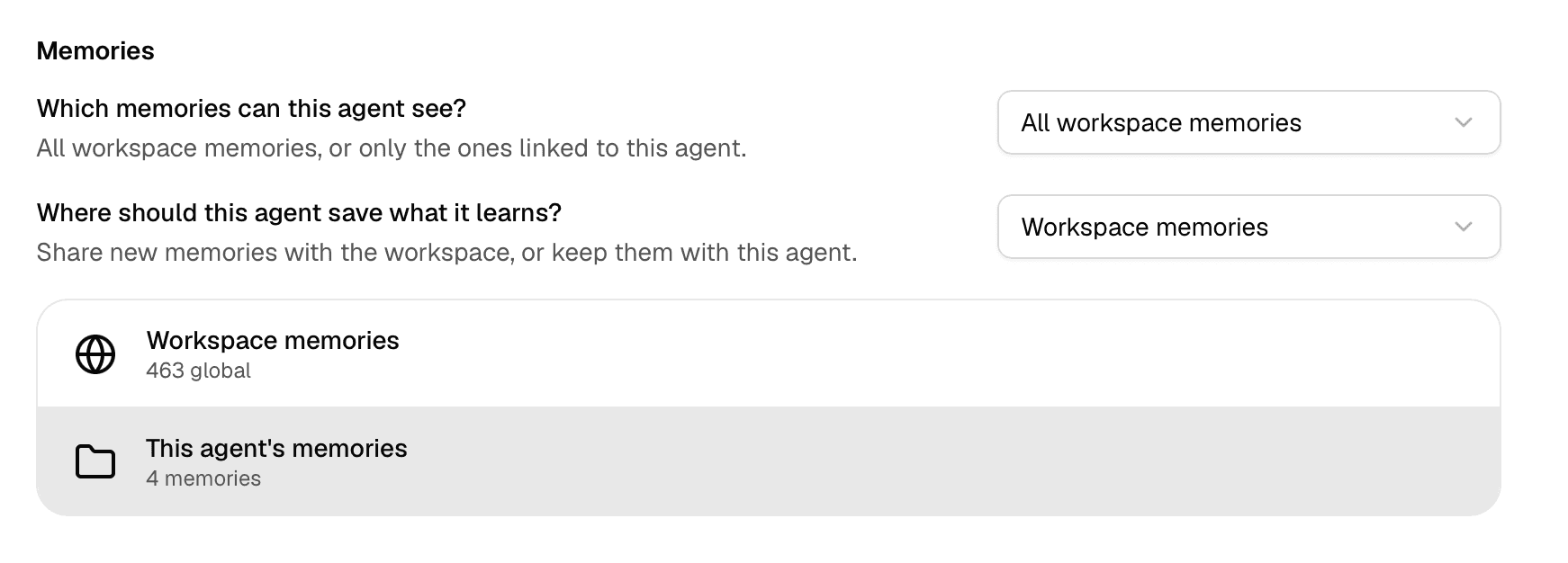
An agent's Knowledge settings separate what it reads from where it saves. Choose This agent's memories for role-specific learning, or the workspace's memories for context intended for the shared library. The workspace choice never means the personal library of whoever starts the run.
New workspace agents default to saving with the agent. Existing agents can have a different saved configuration, so inspect their destination rather than assuming every lesson starts private to one agent. Memory learning can be off, suggested for review, or auto-saved where permissions allow. Choose suggestions when a person must review shared context before it is saved.
Promote or move a memory
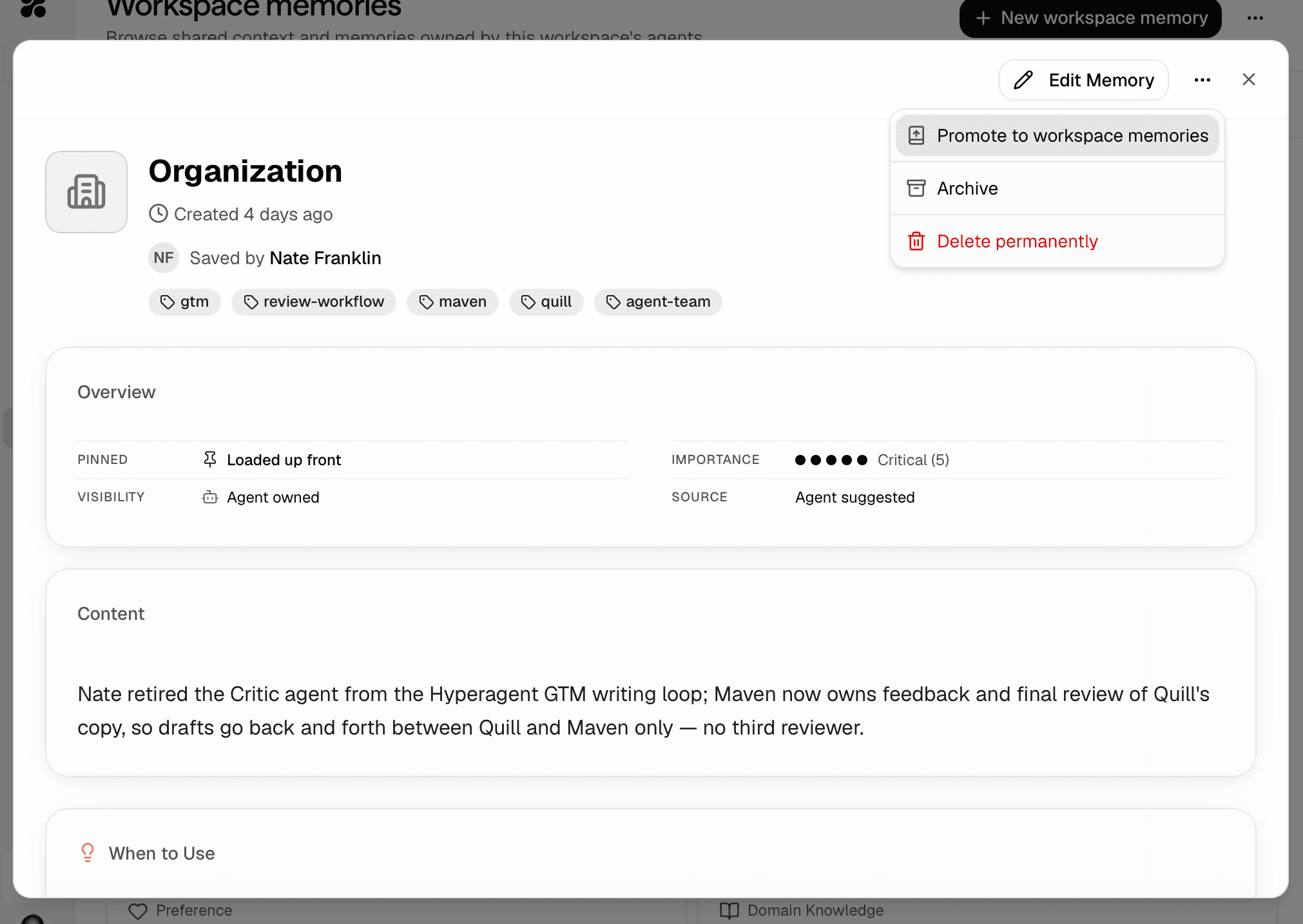
Use the memory's actions menu to change who owns it. Both actions stay inside the shared workspace.
Make reviewed learning shared
Move an agent-owned memory into shared context after it has been reviewed. The originating agent keeps access through the workspace memory.
Narrow shared context to one agent
Give a workspace memory to one agent when the context no longer belongs in shared guidance. Earlier agent links are cleared.
Neither action creates a copy or moves context into someone's personal library.
Personal context stays personal
A workspace-owned agent uses the workspace's context and its own memories, not the personal memories of whoever starts the run. A personal agent shared with the workspace keeps the same knowledge access it already had; sharing it doesn't open the workspace's memories or another person's private context.
Content history is not ownership history
Version history records edits to a memory's content. It doesn't record ownership changes such as Promote to Workspace memories or Move to an agent. Check the memory's current location to see who can use it now.
Review and promote an agent memory
The agent saves what it learned
With the save destination set to This agent's memories, learning stays with that agent. Confirm that destination before using this review-and-promote workflow.
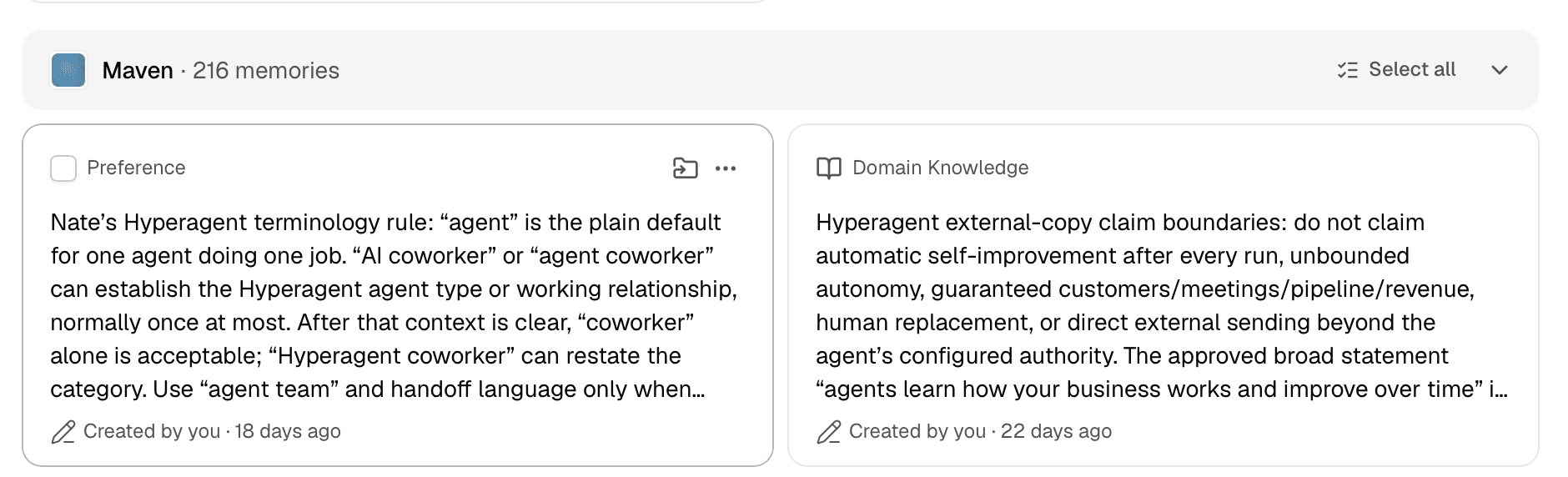
An Owner or Editor reviews it
They confirm that the memory is accurate, durable, and useful beyond the agent that learned it.
They promote it to Workspace memories
The same memory moves into the workspace's shared context. The originating agent can still use it, and promotion doesn't create a duplicate.
When the workspace already knows a policy or decision, an Owner or Editor can add it directly with + New workspace memory instead of waiting for an agent to surface it.
Related guides
- Memories explains memory fields, retrieval, editing, archiving, and the full ownership model.
- Knowledge access controls which memories an agent can retrieve and where it saves new knowledge.
- Manage learning behavior controls when an agent may suggest or save new memories.